TEXT TO VIDEO GENERATOR

Text to Video Generator

Text to video generator - convert text prompts into AI-generated video clips, step-by-step, in real time in one place for fast creation and total control.

8+

AI Models Available

Full

Generation Controls

1-Click

Generation

0 / 500
MODEL
RATIO
Generate video

No credit card required · Free plan available · Commercial license on paid plans
WHAT ONE PROMPT CAN CREATE

Prompt-to-Video Output Gallery

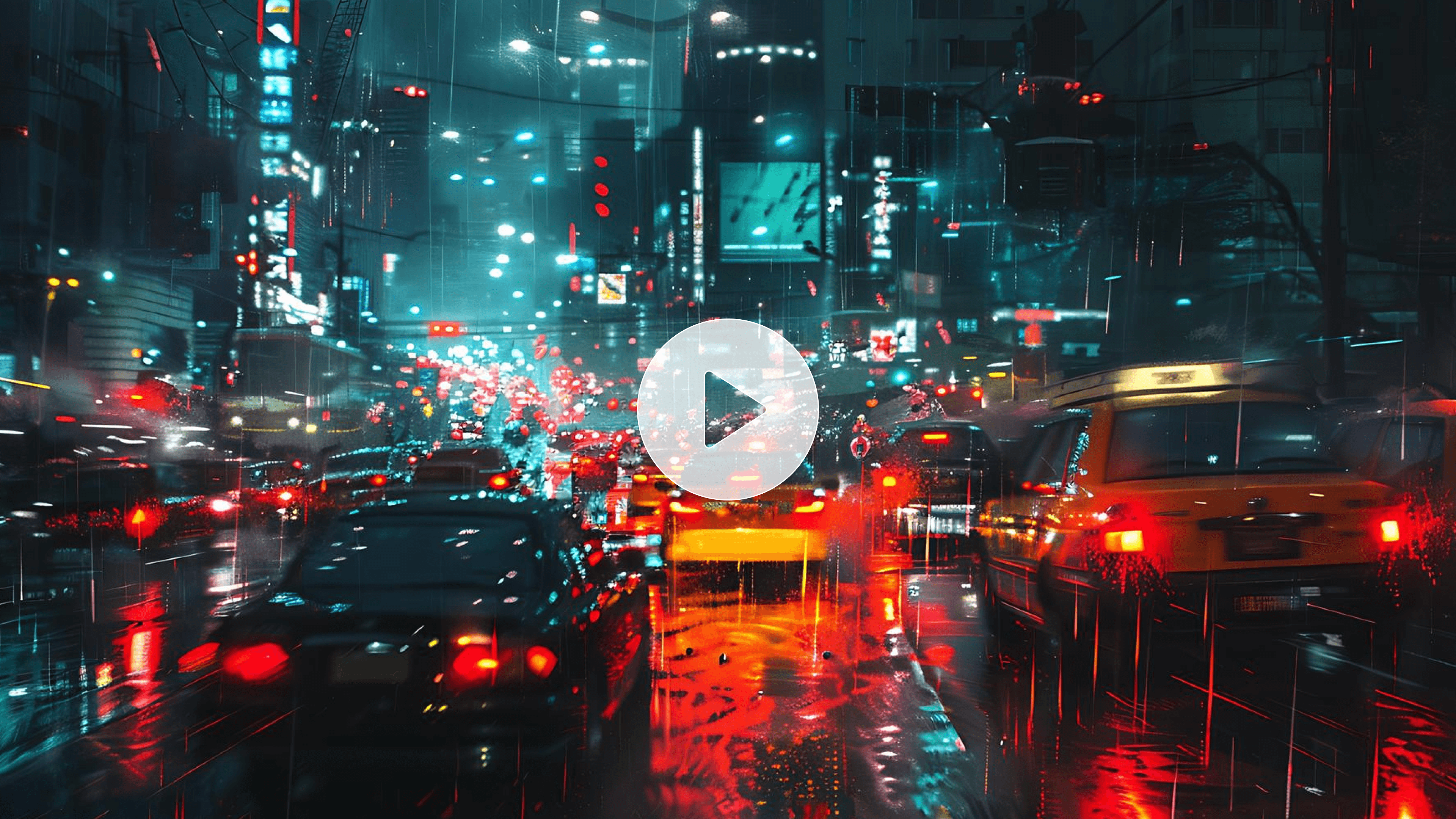
Photographs of setups for lighting and moving with motion and film.
8s
Veo 3.1

Photographs of setups for lighting and moving with motion and film.

Cinematic

Photographs of setups for lighting and moving with motion and film.

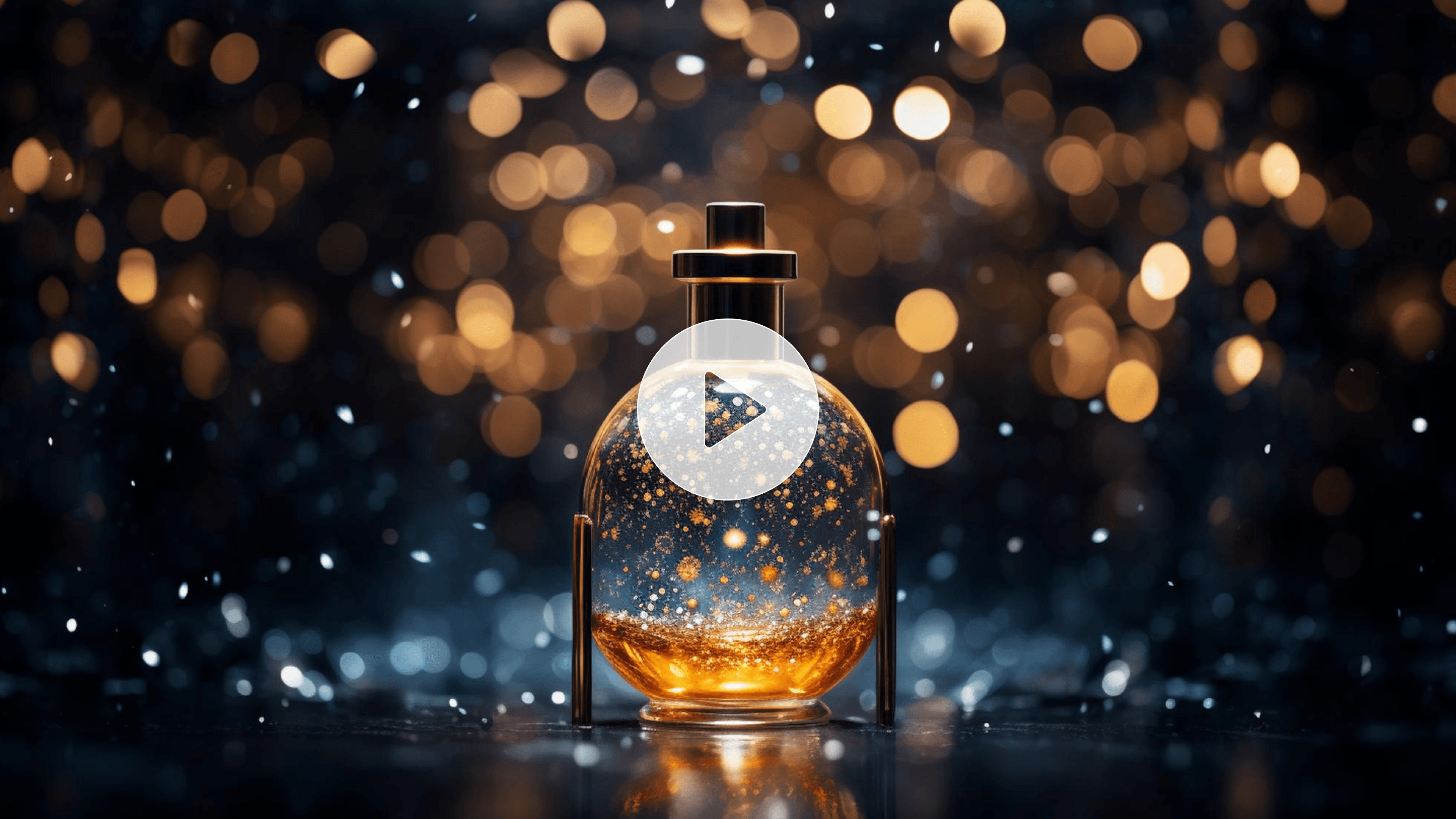
Product-centered visuals in high detail (studio style).
5s
Kling

Product-centered visuals in high detail (studio style).

Products

Product-centered visuals in high detail (studio style).

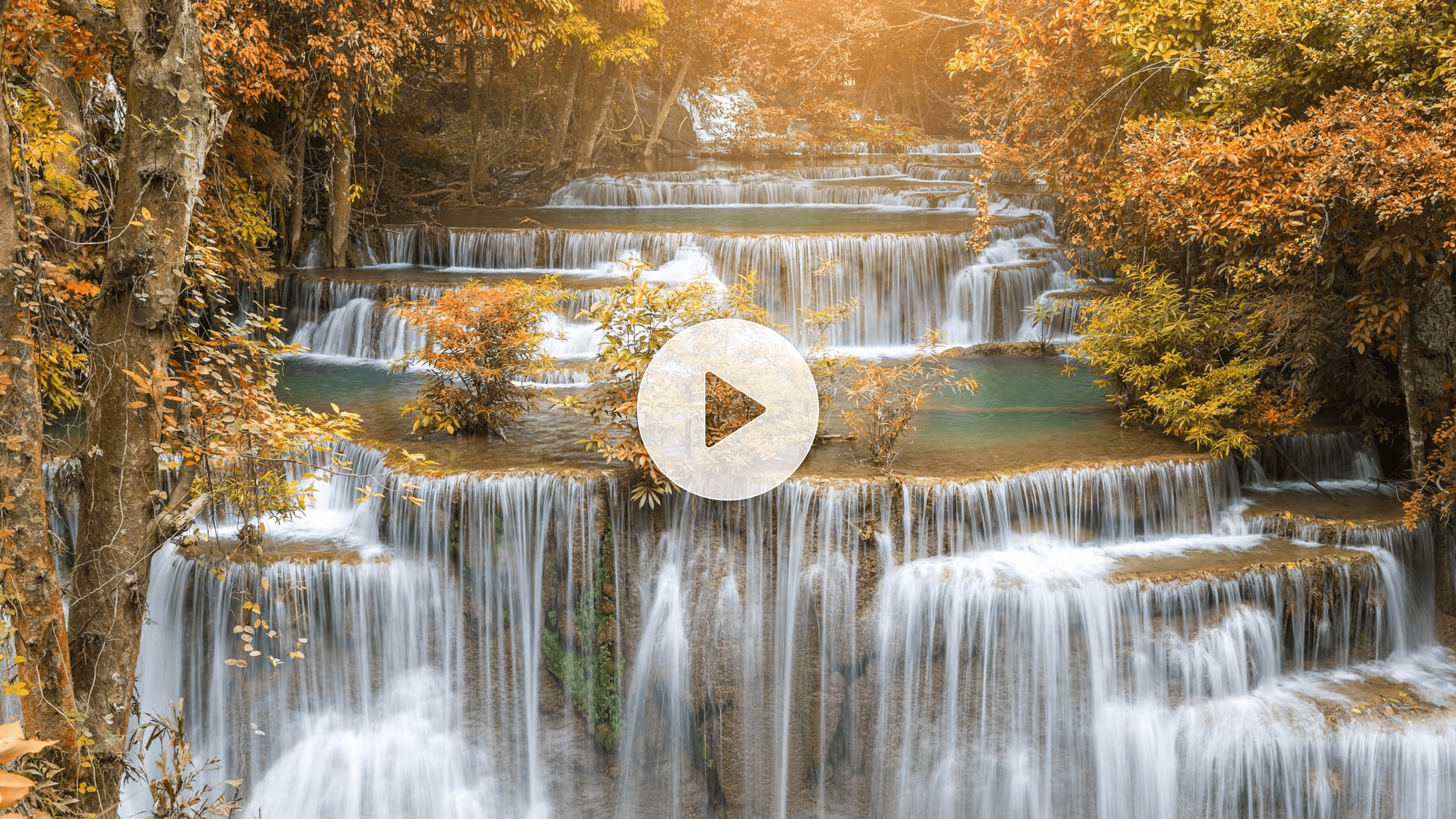
Nature and environment shots that are dynamic and realistic.
8s
Sora

Nature and environment shots that are dynamic and realistic.

Nature

Nature and environment shots that are dynamic and realistic.

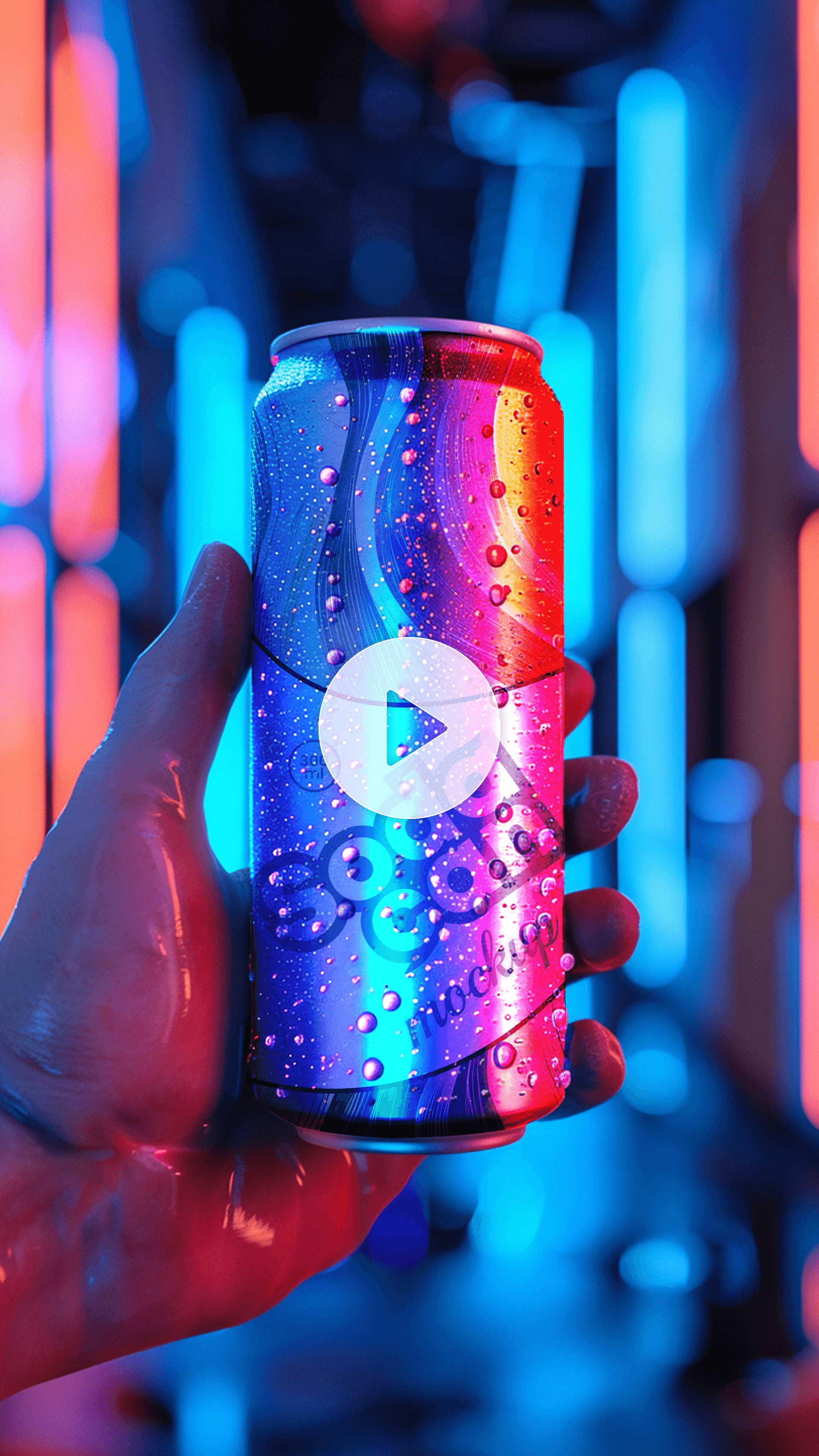
Stylised movement and expressive design in animated scenes.
3s
Seedance

Stylised movement and expressive design in animated scenes.

Animations

Stylised movement and expressive design in animated scenes.

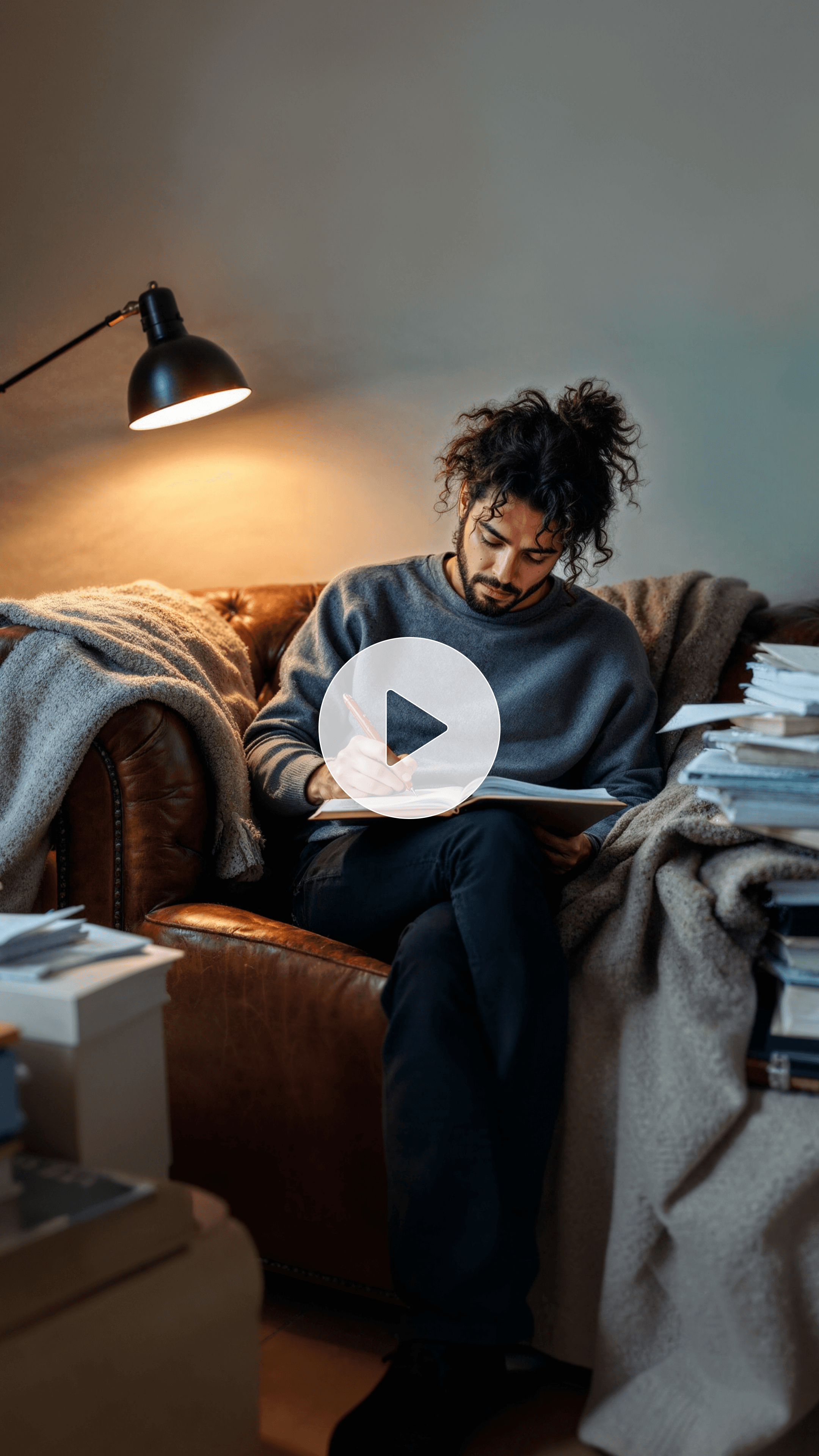
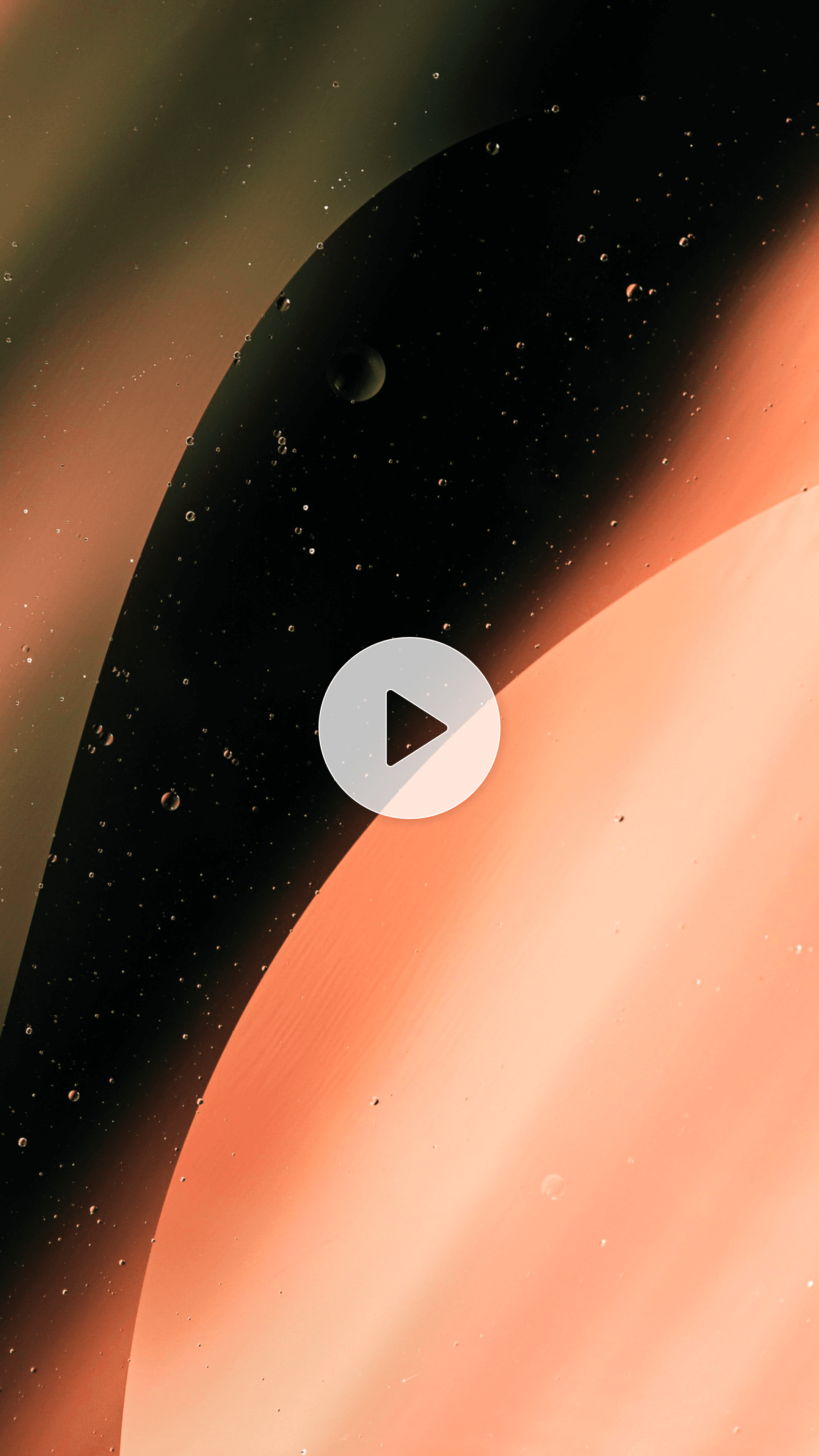
Social media content designed for short content formats. Social media snackable videos.
5s
PixVerse

Social media content designed for short content formats. Social media snackable videos.

Social Media

Social media content designed for short content formats. Social media snackable videos.

Abstract and mood and artistic compositions using form and mood.
8s
Runway

Abstract and mood and artistic compositions using form and mood.

Artistic

Abstract and mood and artistic compositions using form and mood.

AI MODELS

AI Video Generation Models

Movcut.ai offers one of the top AI video models, tailored for specific output formats and workflows.

RUNWAYML Gen-4 Turbo

Quality

Optimized for high-speed cinematic generation with strong motion consistency and responsive rendering. Ideal for rapid content creation, ads, music videos, and iterative creative workflows where speed and visual quality both matter.

Cinematic
Ads
Music Videos
High Speed
Pro Choice
GENERATION CONTROLS

Every Parameter You Can Control — and How to Choose Each One

Aspect ratio

Select depending on platform and context of viewing. There are both landscape and vertical formats which are best for long-form and desktop viewing and for mobile-first platforms respectively. These formats, square and portrait, make it easier to see the feed in social settings.

16:9YouTube, LinkedIn, desktop viewing, presentations
9:16TikTok, Instagram Reels, YouTube Shorts, mobile
1:1Instagram feed, Facebook, Twitter/X square
4:5Instagram portrait, highest feed real estate

Video duration

The length of a clip can vary depending on the intended use, and can be optimized for engagement time, particularly when making rapid changes between scenes, or for the desired narration and movement development within a single scene.

3 secondsQuick cut, social hook, product reveal, loop content
5 secondsStandard scene, social post, ad clip — most versatile
8 secondsExtended scene, narrative moment, product showcase
10 secondsLong-form clip, storytelling, cinematic sequence

Output Resolution

The lower the resolution the quicker it will be, and lower resolutions are appropriate for previews or drafts. Higher resolution means clearer pictures and used for final output – takes longer to do.

720p — HDFast generation (30–60s). Draft quality. Free plan.
1080p — Full HDStandard generation (1–3 min). Publish quality.
4K — Ultra HDSlower generation (3–5 min). Maximum quality. Pro+ only.

Generation time increases with resolution. 4K available on Pro and Business plans.

Camera motion

Describe the action of the scene. Create static shots for clarity and focus, or use motion-based alternatives such as tracking or zooming for extra energy and cinematic depth.

Fixed camera. Best for: product shots, portraits, focused subjects where the subject moves but the camera stays still.

USE CASES

Built for Every Creator, Marketer, and Business

Movcut.ai serves a variety of video creation objectives, all of which involve unique models, controls, and video output styles.
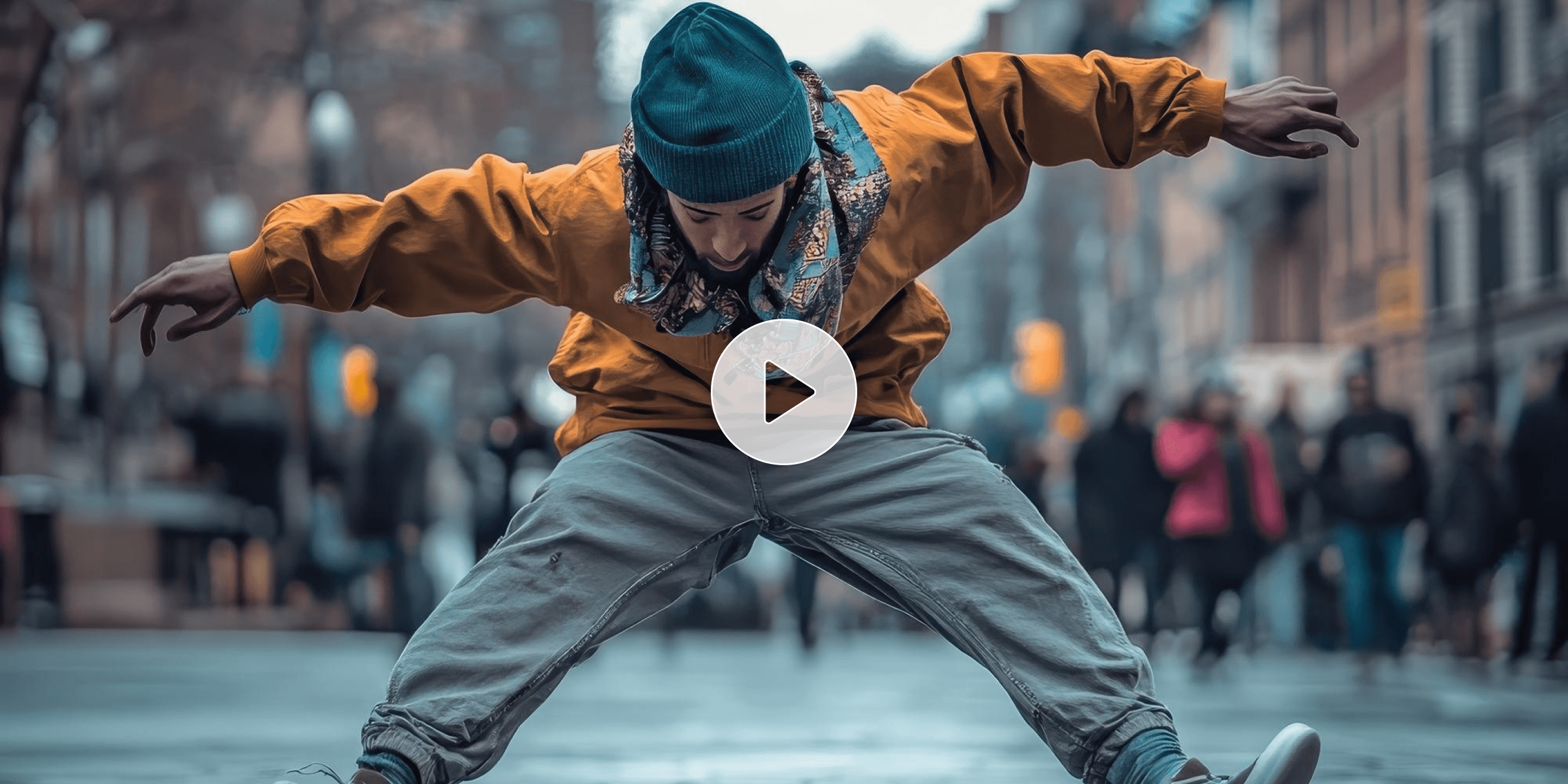
Social Media Video

Social Media Video

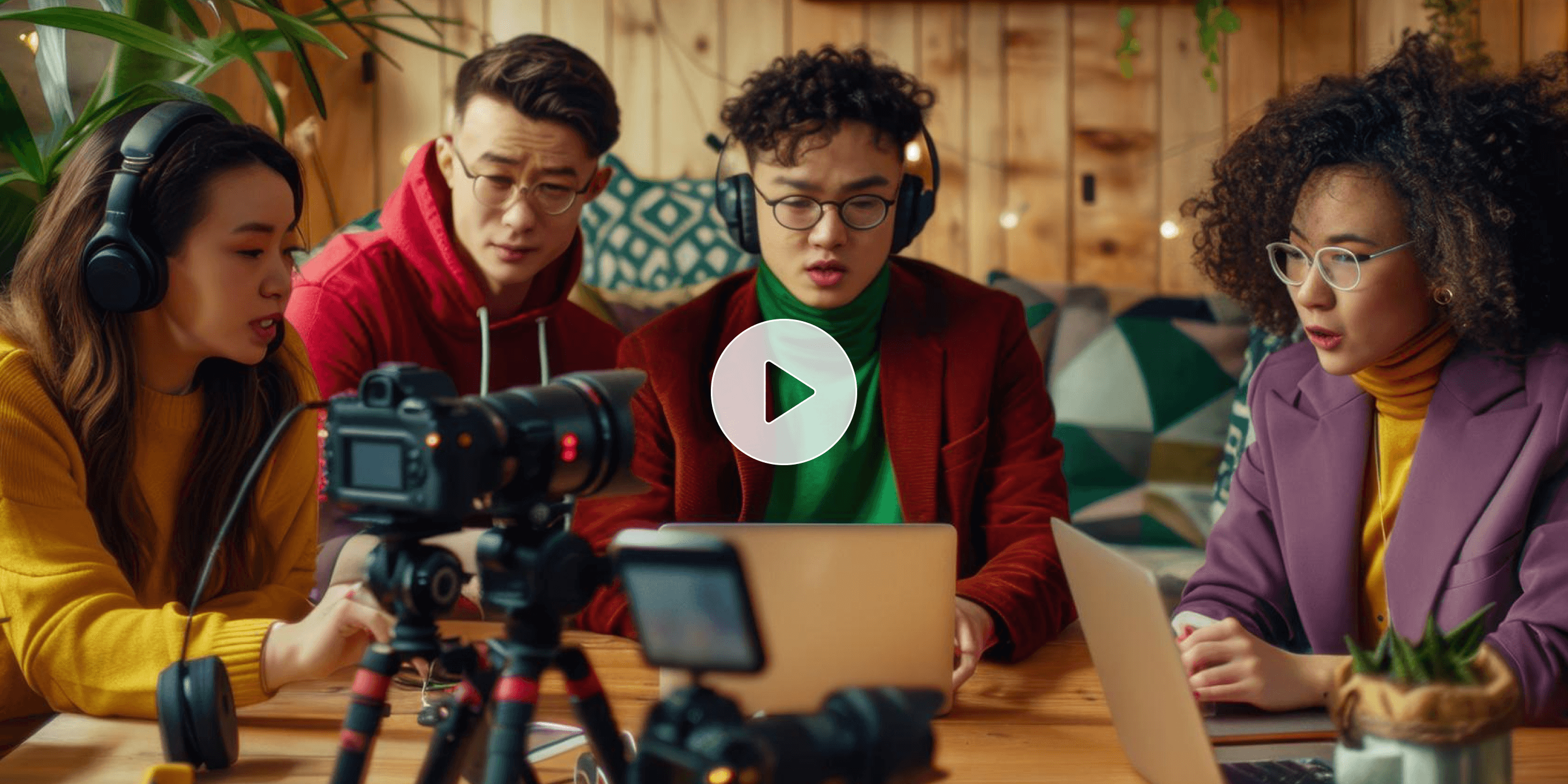
Concise and focused videos meant to be watched on a mobile device horizontally. Fast models allow for fast iteration, brief engagement time and dynamic styles.
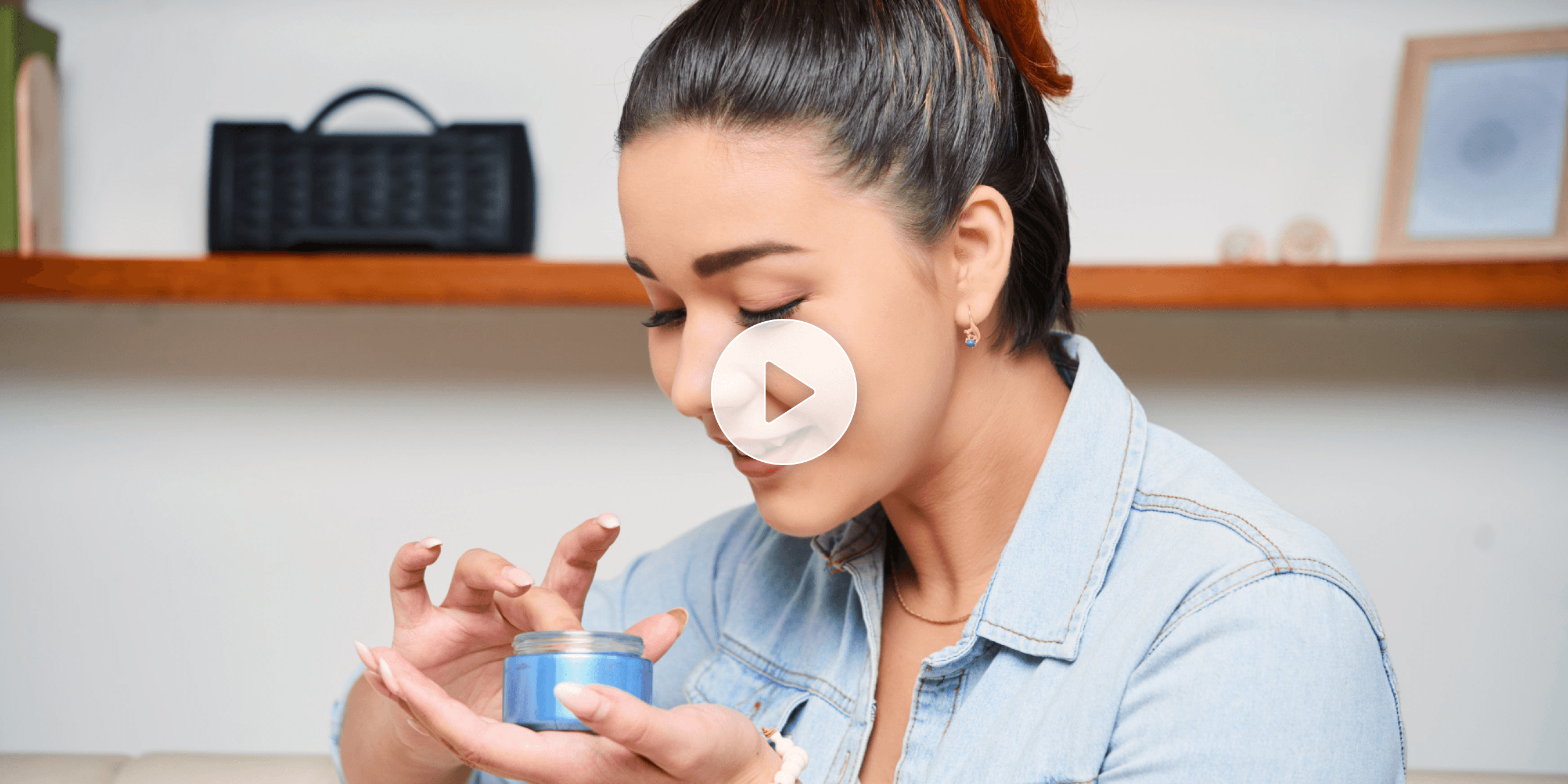
Fast Iteration
Dynamic Styles
Mobile-First
Marketing ads and commercials

Marketing ads and commercials

Brand storytelling and conversions with high quality visuals. The flexibility of the aspect ratio and cinematic models enable for multiple tests and campaigns.
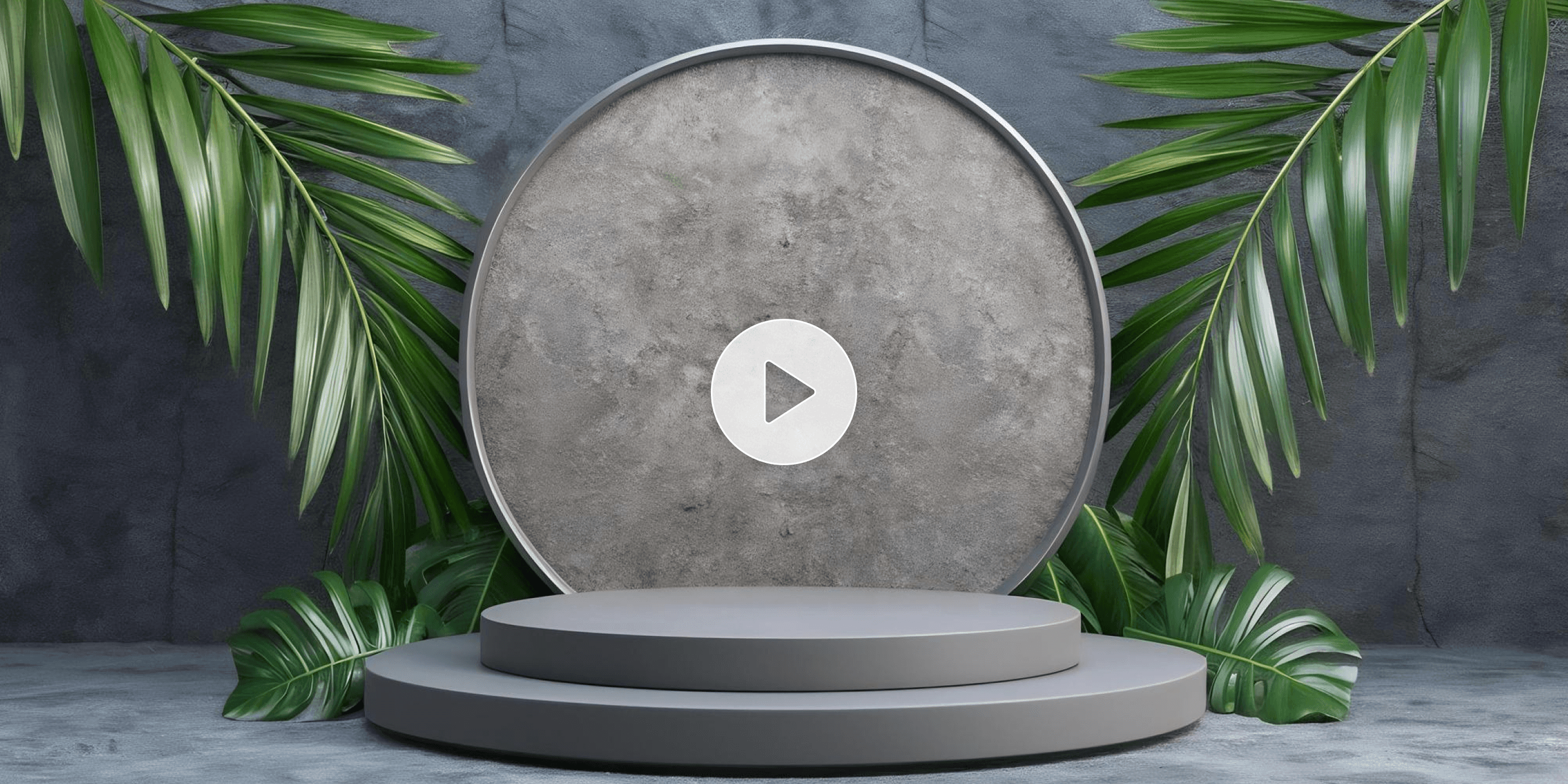
Brand Storytelling
Cinematic
High Conversion
Product showcase video

Product showcase video

Material accuracy with controlled motion. The lighting is studio style and the products are moved by rotation, bringing the focus on their features.
Studio Lighting
Controlled Motion
Product Focus
Cinematic storytelling

Cinematic storytelling

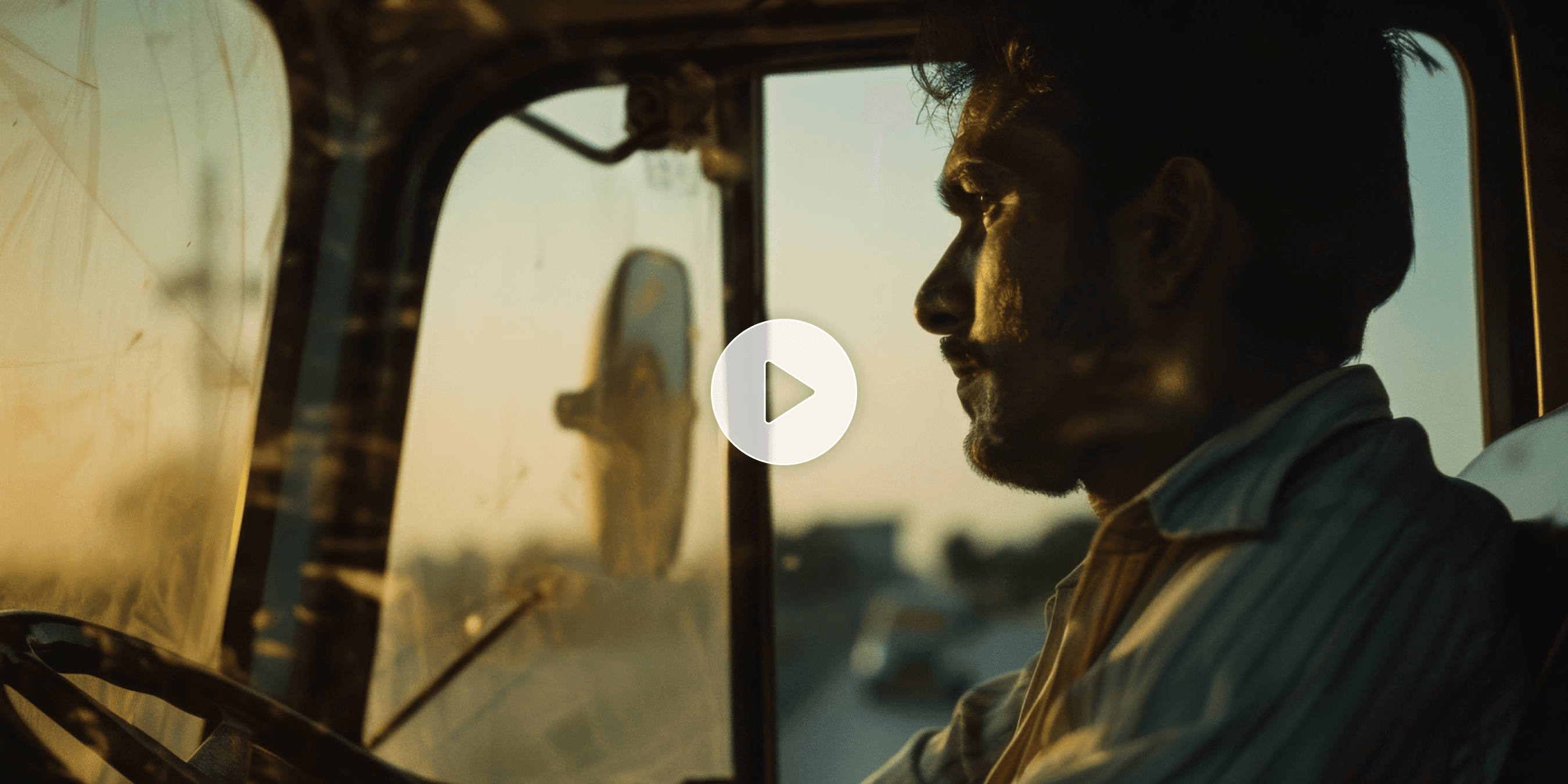
Extended clips with realistic movements and expressive lighting, from a narrative perspective. For dramatic effect and depth of scene.
Realistic Movement
Narrative
Dramatic Depth
Animation and creative content

Animation and creative content

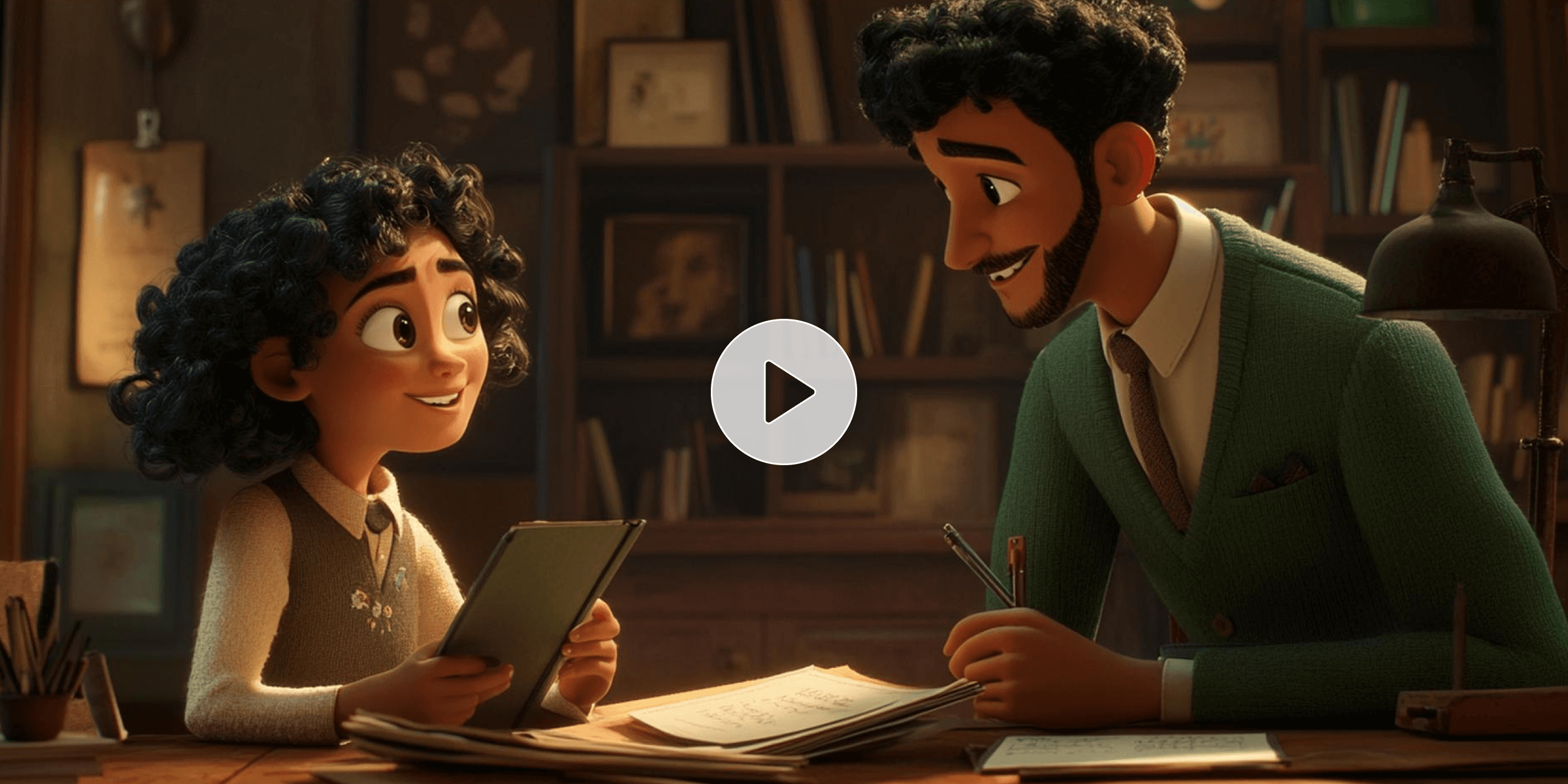
Highly creative, dynamic and expressive images. Perfect for explainer videos, creativity and abstract storytelling.
Explainer Videos
Abstract
Creative
Scene generation for complete video workflow

Scene generation for complete video workflow

For each prompt a clip is created that can serve as a scene. The clips are stitched into a complete video within movcut.ai. The clips are combined together into a full-length video in movcut.ai. Clips are directly imported into the editor which means it can be produced continuously, without switching tools. The AI image generator can also create images that can serve as the basis for a scene.

Full Workflow
Scene Stitching
No Tool Switching
TECHNICAL SPECIFICATIONS

Every Output Specification, Clearly Stated

Resolution
720p
1080p
4K
Aspect Ratios
16:9
9:16
1:1
4:5
Clip Duration
3s
5s
8s
10s
File Format
MP4
Generation Time
30 seconds to 5 minutes
Watermark
Free plan (yes) / Paid plans (no)
Commercial License
Pro and Business plans (included)
API Access
Business plan
Free Tier Limits
monthly generation cap, 720p only, watermark applied, standard models only

movcut.ai Text to Video

Specification Summary

1+
AI models available
30s–5m
Generation time range
100%
Commercially licensed (paid)
No watermark on paid plans
Audio included (Veo models)
Privacy protected
API available (Business)
HOW IT WORKS

How to Generate AI Video

  1. 1
    Subject
    Action
    Style
    Camera

    Write Your Prompt

    Write a specific description of subject, action, style, camera, and mood. Optionally enhance it using the AI Prompt Enhancer or include a reference image.

  2. 2
    Modelactive
    Ratioactive
    Resactive

    Set Generation Controls

    Select the model, and set up aspect ratio, duration, resolution and style before generating.

  3. 3

    Generate and Refine

    Put together the clip and then make adjustments to the prompt or setting, as necessary. Create variations without changing previous results.

  4. 4
    MP4
    Scene

    Download or Use as a Scene

    Export the video as an MP4 file or import it straight to the video creator and design a multi-scene project. Images can also be created as starting frames by generated images.

Generate Your First Video Free
No credit card required • Instant setup
WHY movcut.ai

Why movcut.ai Text to Video

Every other text to video tool generates a clip and stops there. movcut.ai generates clips that connect to a complete workflow.

8+

AI models in one subscription

4

Generation controls per clip

0

Platform switches required

100%

Commercial license on paid

Scene-To-Platform Workflow

Generated clips integrate directly into a complete video creation pipeline, enabling full production from prompt to final edit.

Full Pipeline

Complete Generation Control Depth

All key parameters - aspect ratio, duration, resolution, and style - are available and adjustable for every generation.

Granular Controls

AI Prompt Enhancer

Automatically refines prompts for better structure and output quality while remaining optional.

Smart Prompting

Built-In Audio Generation

Select models generate synced audio, dialogue, and sound effects alongside video.

Audio Synced

Commercial-Ready Output

Paid plans include watermark-free videos with full commercial usage rights.

Business Ready

Start Generating AI Videos Free. Upgrade When You Need More.

FREEFOREVER
$0/ forever
10 credits included
Also Includes
AI Videos (10s)8
Script to Video2 Videos (120s)
AI Images12
Scripts50
  • HD Export (720p)
  • 8 voices
  • 50+ Languages
  • All tools
  • All AI models
  • Image upscale
  • Watermark free
  • Priority queue
  • Advanced features
  • Commercial license
  • API access
Start for free
STARTERMONTHLY
$23/mo
180 credits included
Also Includes
AI Videos (10s)10
Script to Video54 Videos (120s)
AI Images91
Scripts820
  • Full HD (1080p)
  • 15 voices
  • 50+ Languages
  • All tools
  • All AI models
  • Image upscale
  • Watermark free
  • Priority queue
  • Advanced features
  • Commercial license
  • API access
Select Plan
STARTERYEARLY
$163/yr
2,160 credits included
Also Includes
AI Videos (10s)72
Script to Video388 Videos (120s)
AI Images646
Scripts5820
  • Full HD (1080p)
  • 100+ voices
  • 50+ Languages
  • All tools
  • All AI models
  • Image upscale
  • Watermark free
  • Priority queue
  • Advanced features
  • Commercial license
  • API access
Select Plan
FAQ

Frequently Asked Questions

Do I own the copyright to AI-generated videos I create?

The ownership of the videos created with movcut.ai depends on the local laws, but in general, you will be the owner of the videos.

Can I use movcut.ai videos in paid advertising campaigns?

In general, the videos created by movcut.ai can be used in paid advertising campaigns.

Can I sell or license AI-generated videos I create?

Generally yes, AI-generated videos created can be sold or licensed.

Is my generated video content private and not used for AI training?

Your videos generated are typically private and non-reused for AI training without consent.

Will people know my video was made with AI?

You don't really need to tell viewers that you created your video using an AI tool, as most of them will not know that.

How realistic are movcut.ai's AI-generated videos?

Movcut.ai can generate highly realistic AI videos with cinematic quality visuals.

Can AI video generation produce physically accurate motion?

AI-generated videos can capture lifelike movements, but not everything is always captured in a completely realistic manner.

Can I use my generated video clip directly in movcut.ai's complete video creator?

Absolutely, generated clips can often be directly imported into movcut.ai's complete video creator.

Is there an API for automated text to video generation?

Yes, it is possible that movcut.ai offers an API for automating the workflow of creating a video from a text.

What happens to my generated videos if I cancel my plan?

Videos created prior to cancellation can be available for a certain period of time post-cancellation depending on the plan's terms.

Start Generating AI Videos Right Now

8+ Pro Models. Up to 4K resolution. Cinematic styles. No watermark on paid plans. Free to start — no credit card required.

Generate video free
No credit card required · Free plan forever · Cancel anytime