

AI BACKGROUND REMOVER

Remove Any Image Background Instantly

Erase any background of image in seconds - no skill in design, no selection by hand, no switching software. Upload your photo, and the AI detects and removes the background in seconds. Then replace it, enhance it, and export - all in the same place.

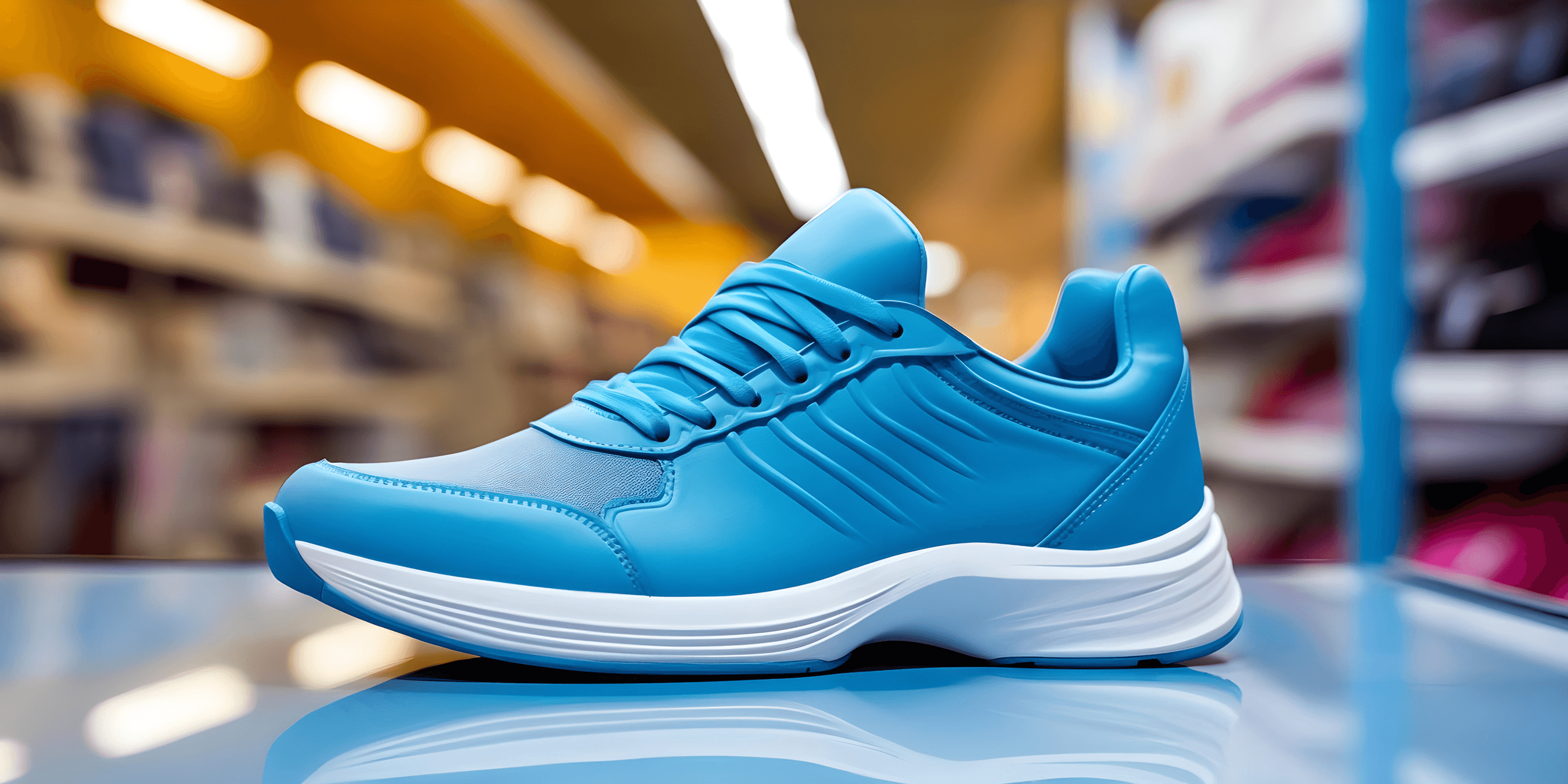
Before
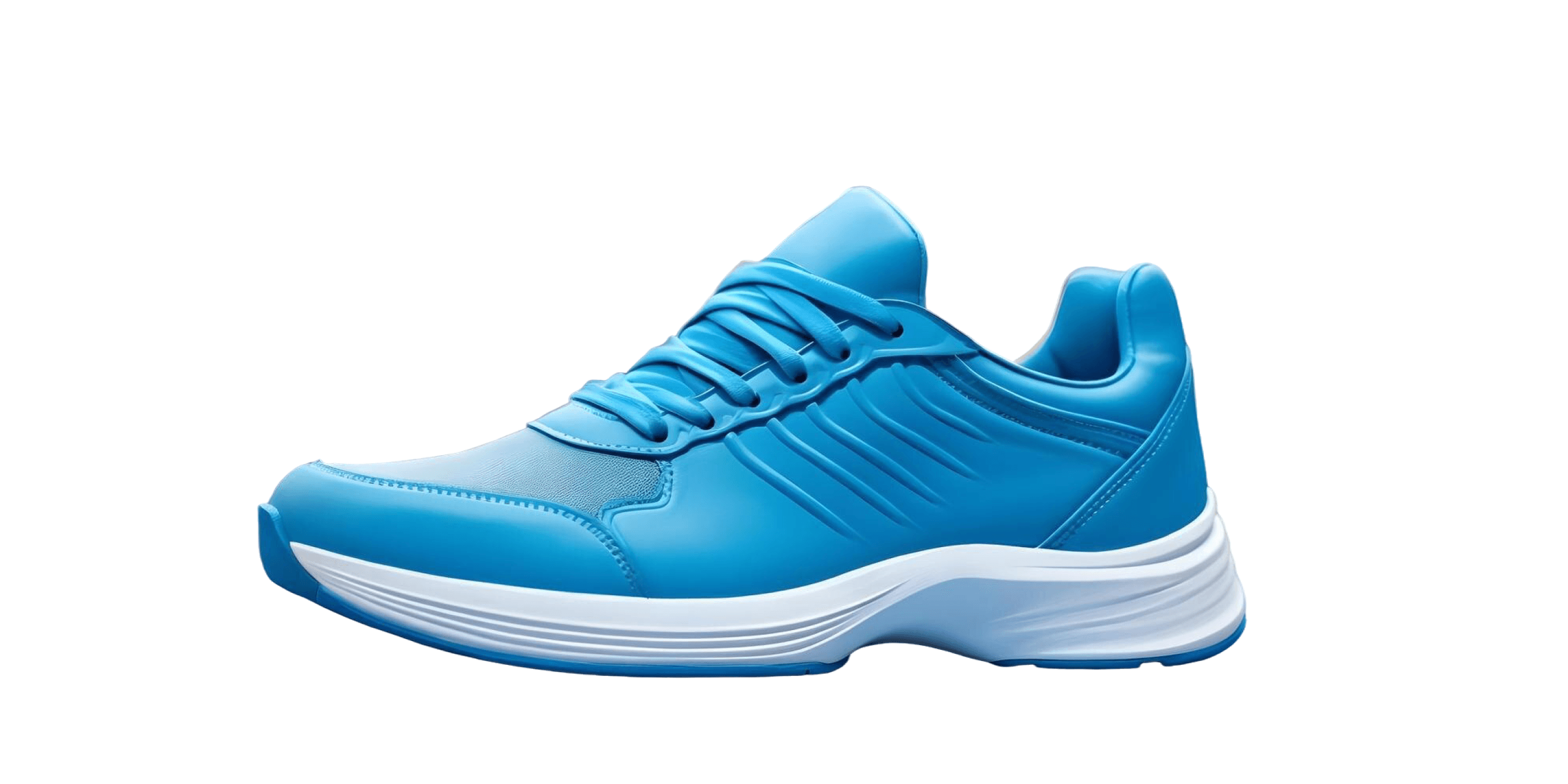
After

Drag the slider to compare · AI removes backgrounds in seconds

Choose Image

or drag and drop here

JPEG · JPG · PNG · WebP
Drag and drop your image to get started - or click to choose a file. Free to start.
OUTPUT QUALITY

Before/After Output Gallery

Background removal only works when the edges are clean. movcut.ai AI handles small details like loose hair, fur, jewelry, and product edges on complex backgrounds.

Products original
Products removed
Products

Products

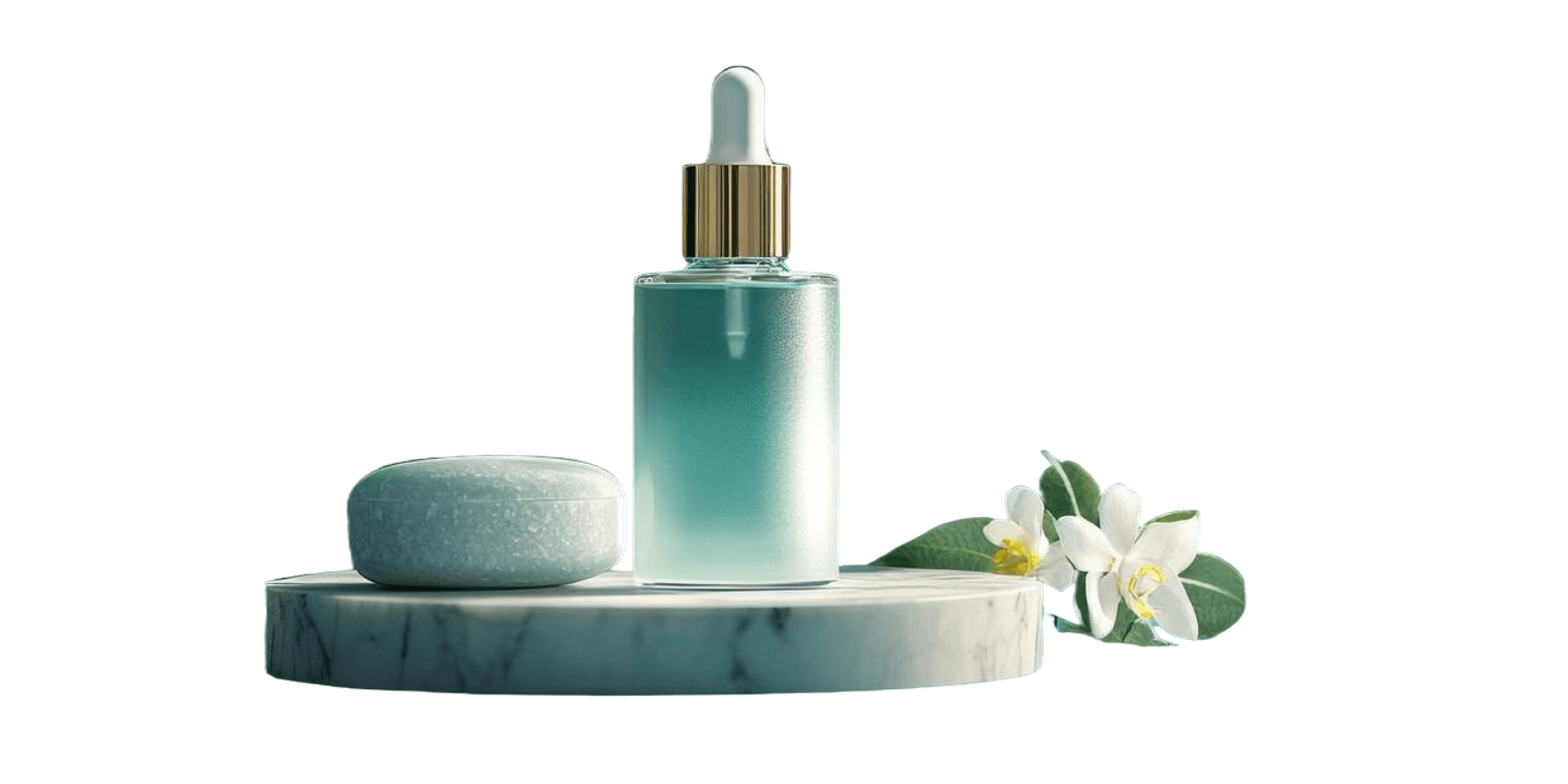
Clean edges on bottles, packaging, clothing, and hard goods. Ready to be listed in the marketplace on white-background with just a single click to remove.
Portraits original
Portraits removed
Portraits

Portraits

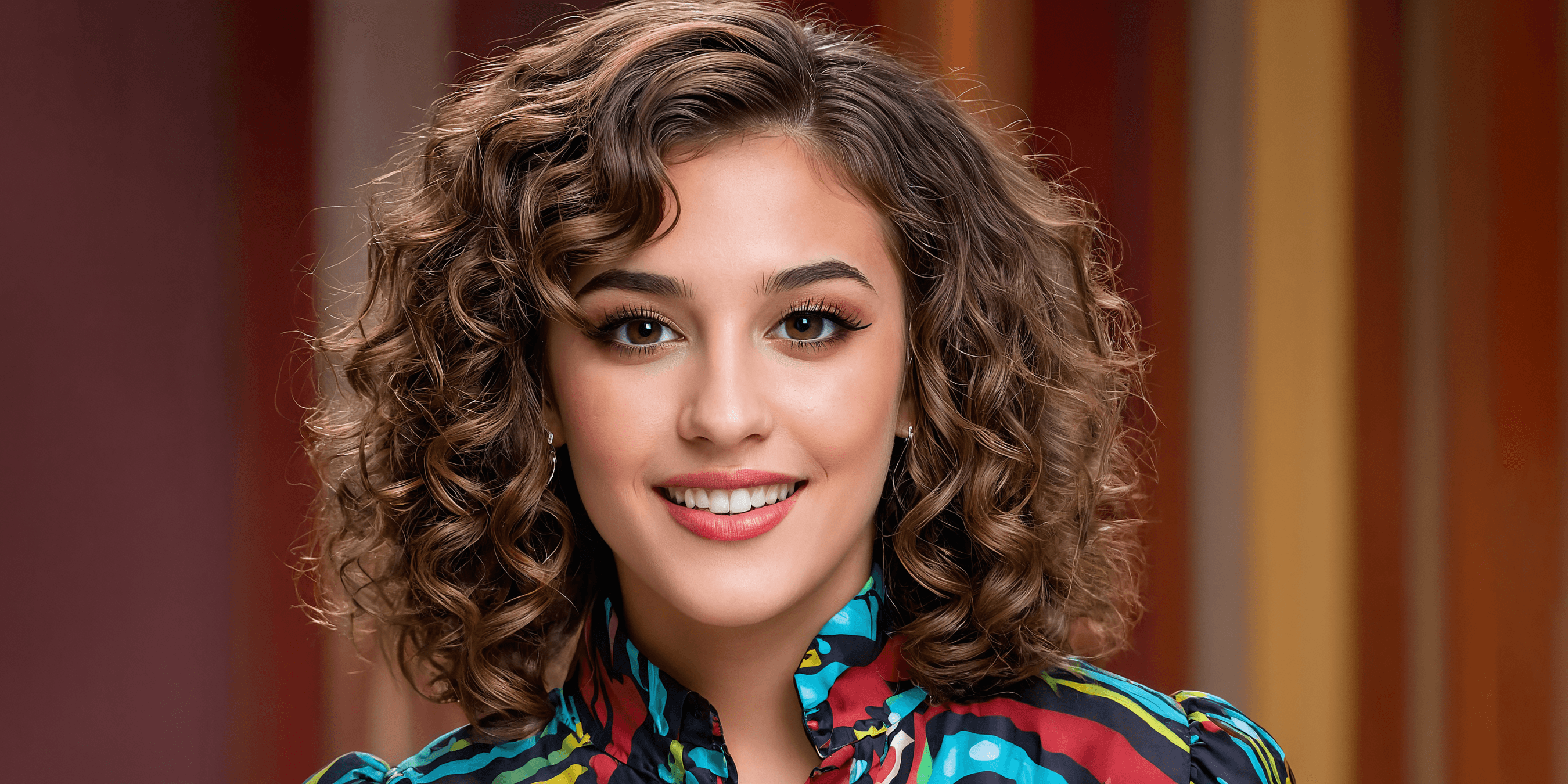
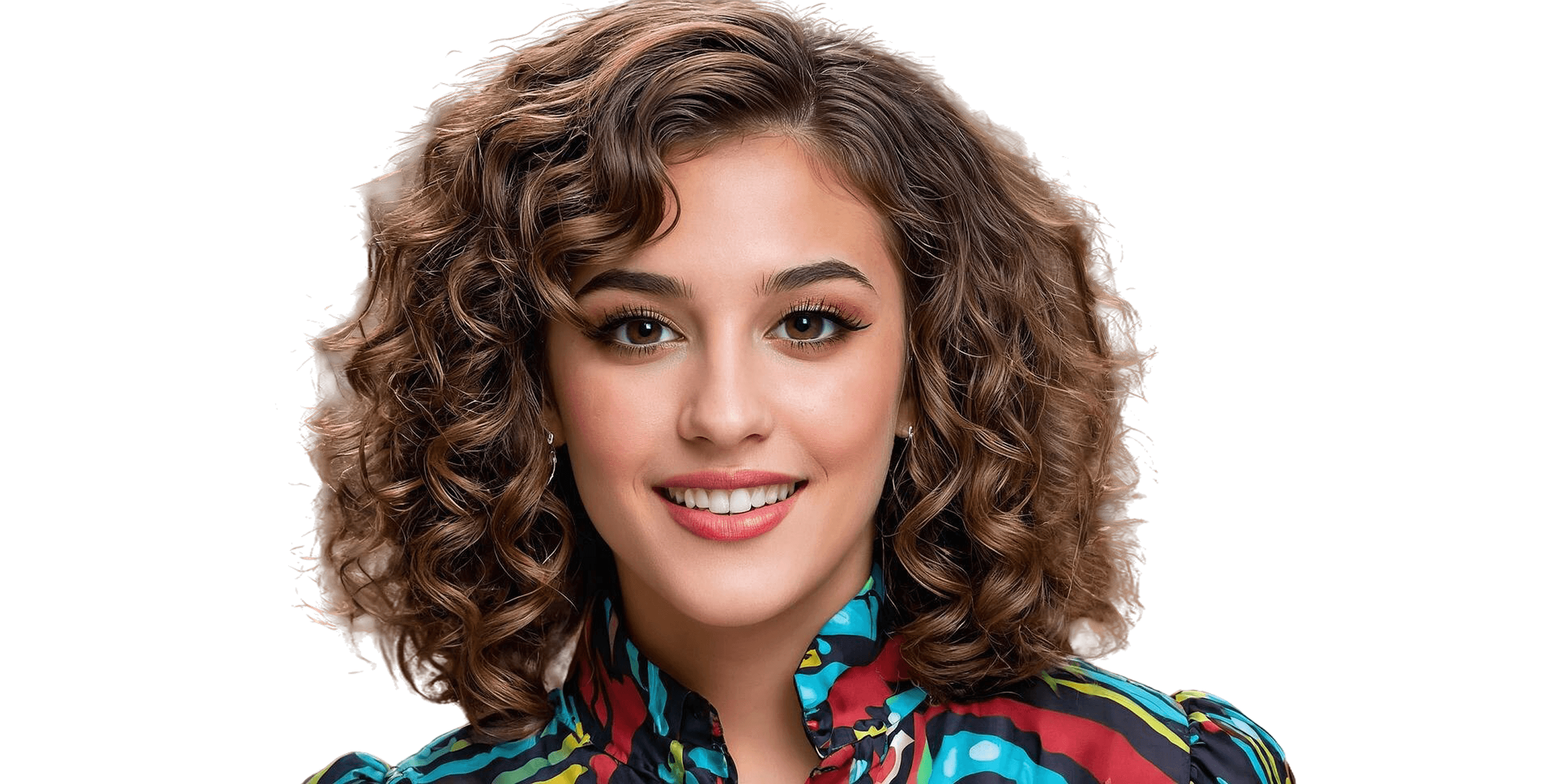
Precise hair capture i.e straight, curly and fine hair. Subject outline maintained without fringing or halo artifact.
Jewelry original
Jewelry removed
Jewelry

Jewelry

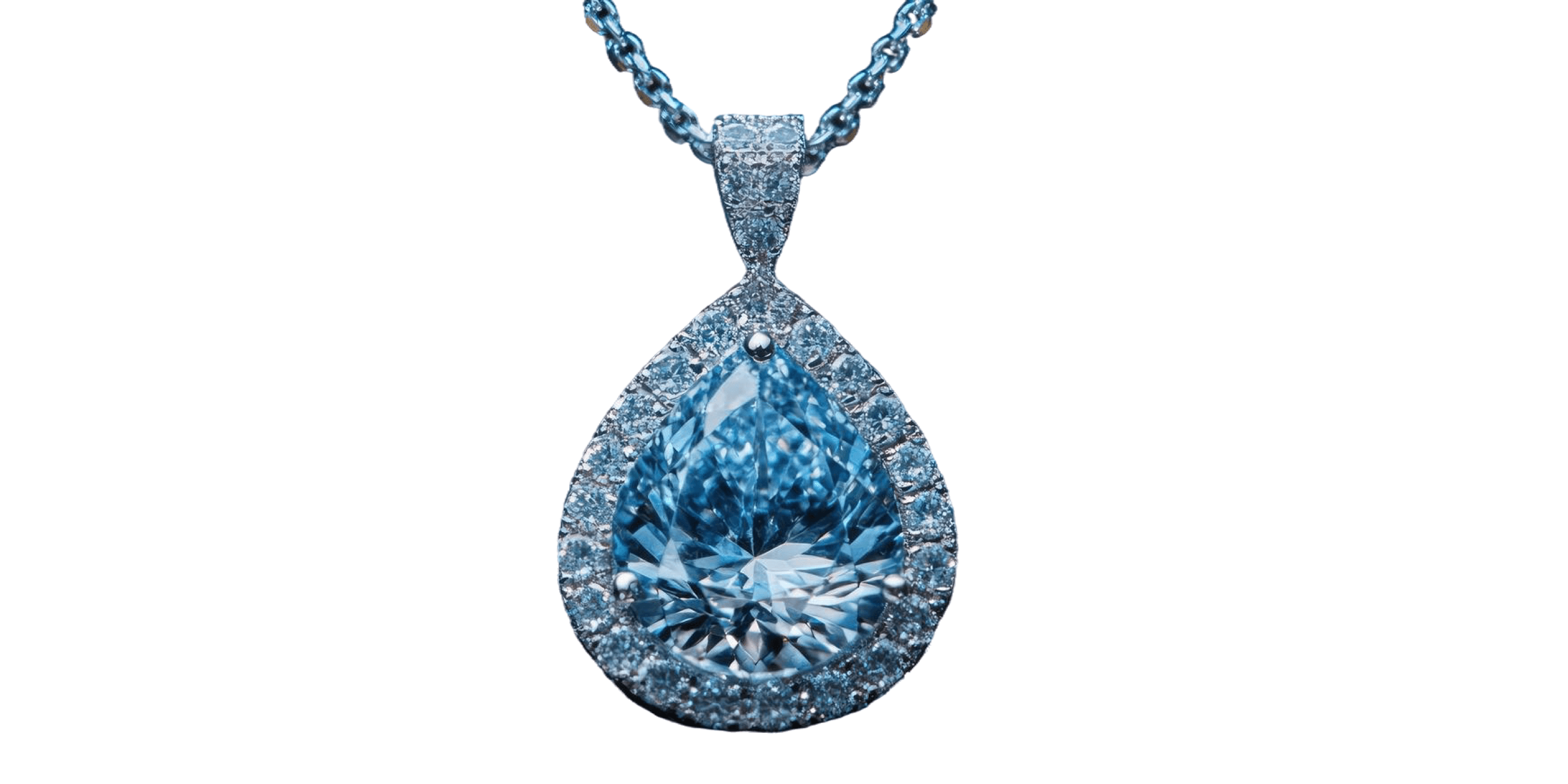
Fine metalwork, chain links, gemstone settings, and reflective surfaces - all in full edge detail.
Animals original
Animals removed
Animals

Animals

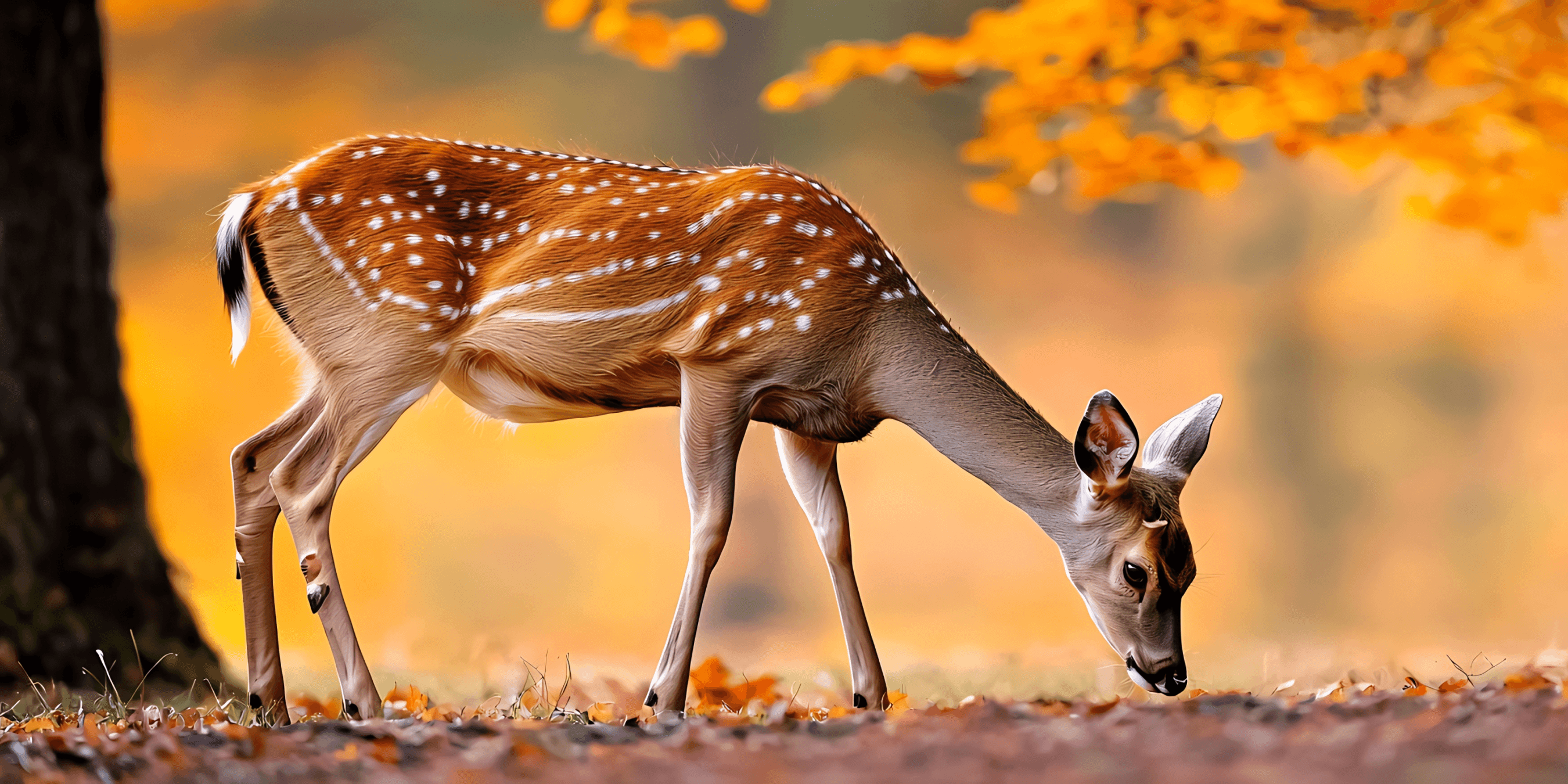
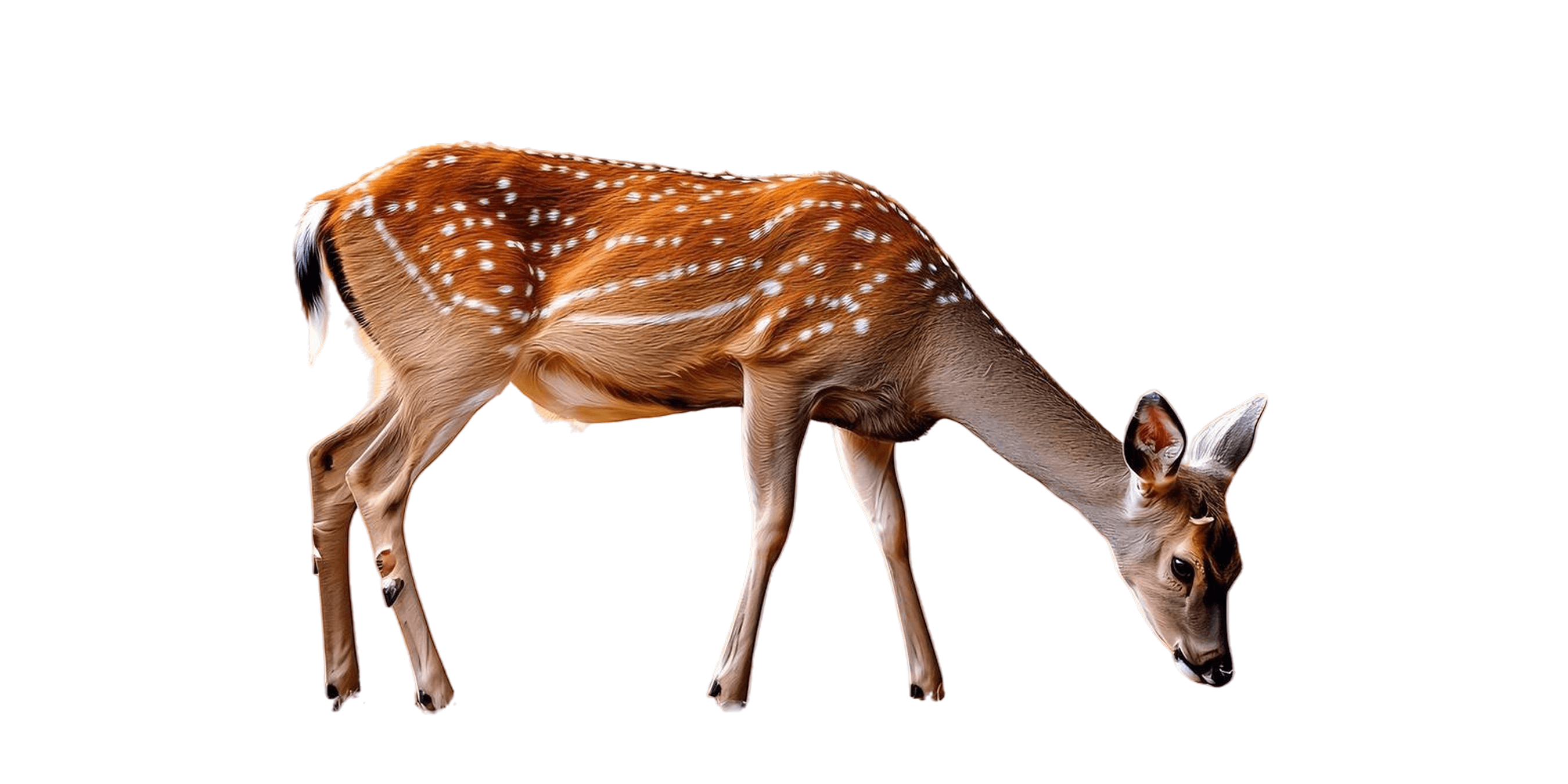
We handled fur, whiskers, and uneven shapes the same way we handled hair in portraits.
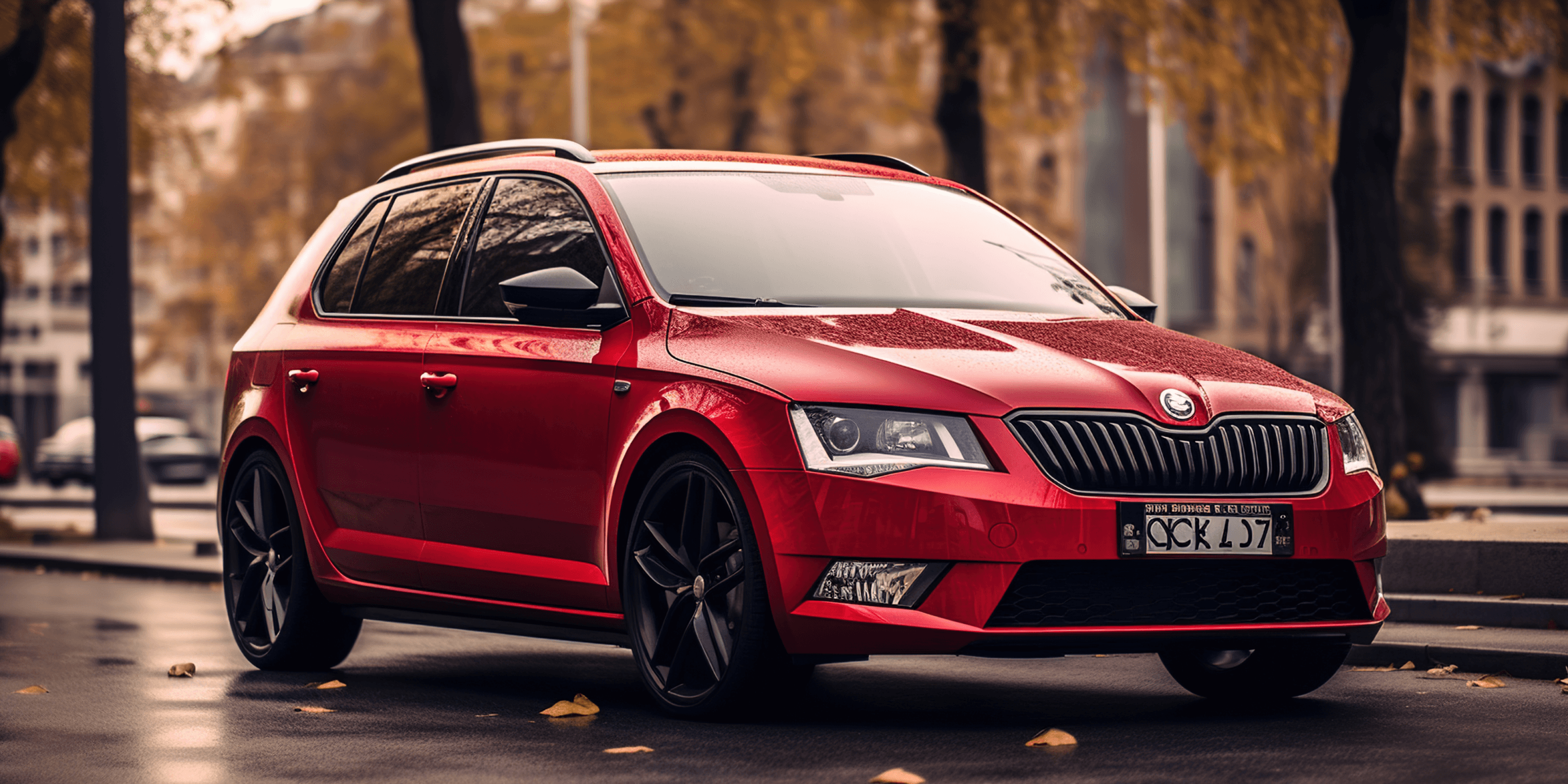
Cars original
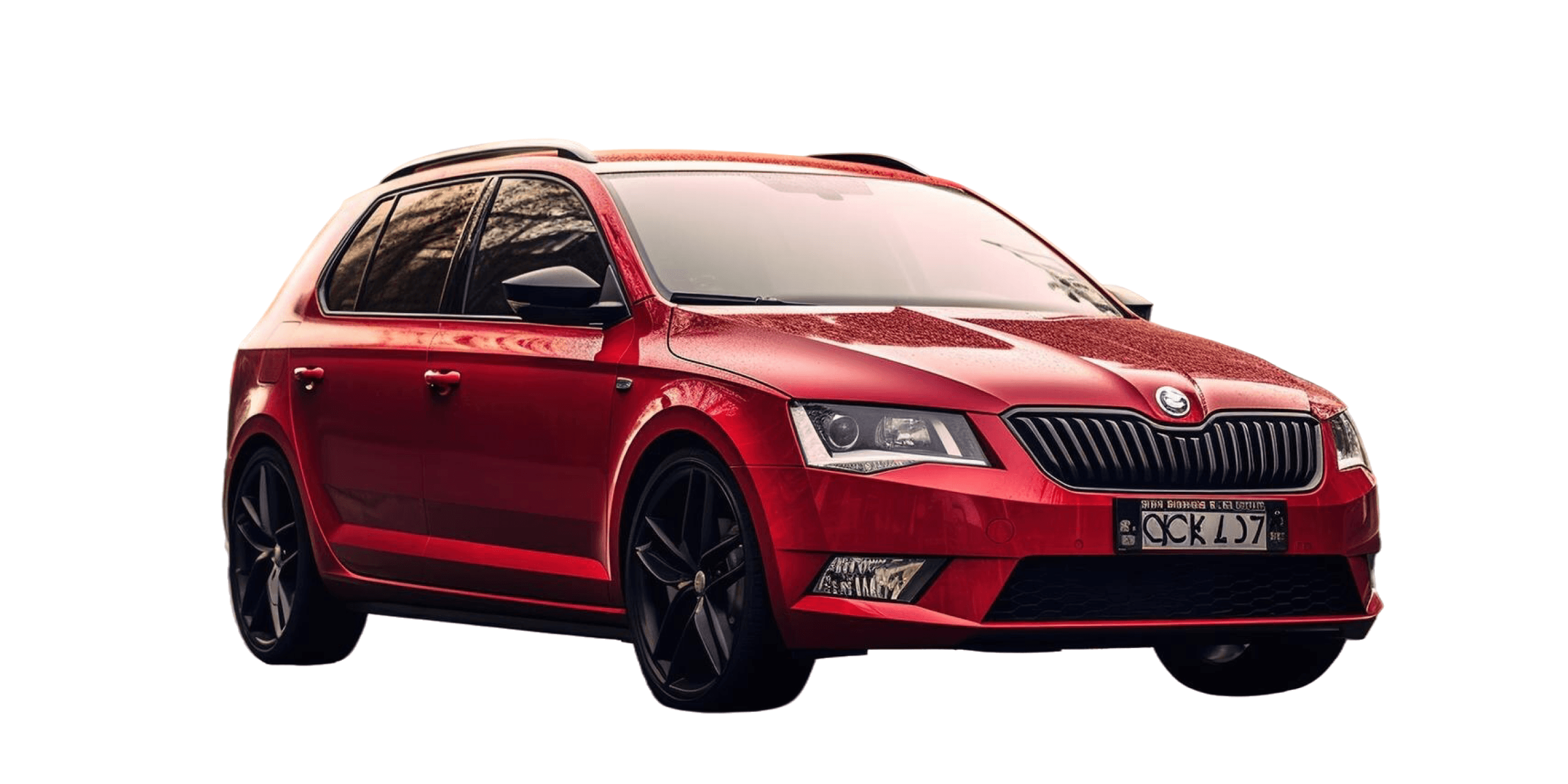
Cars removed
Cars

Cars

We cleanly isolated mirrors, windows, and vehicle outlines from complex backgrounds.
BACKGROUND STYLES

Six Ways to Replace the Background

After removing the background, you have six different backgrounds, each with a single click of the same editing interface. Movcut.ai will give you six backgrounds to choose from.

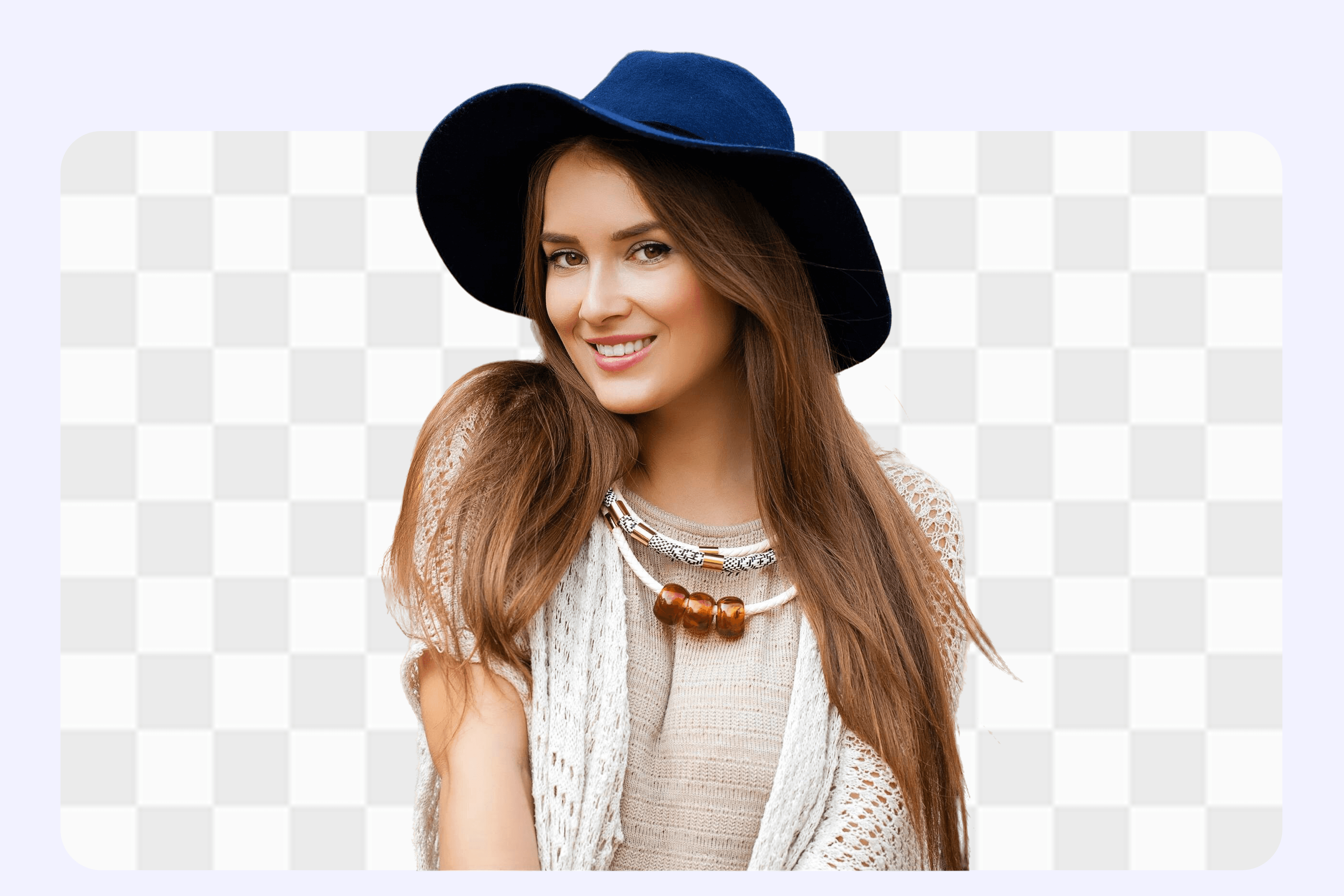
Transparent Background

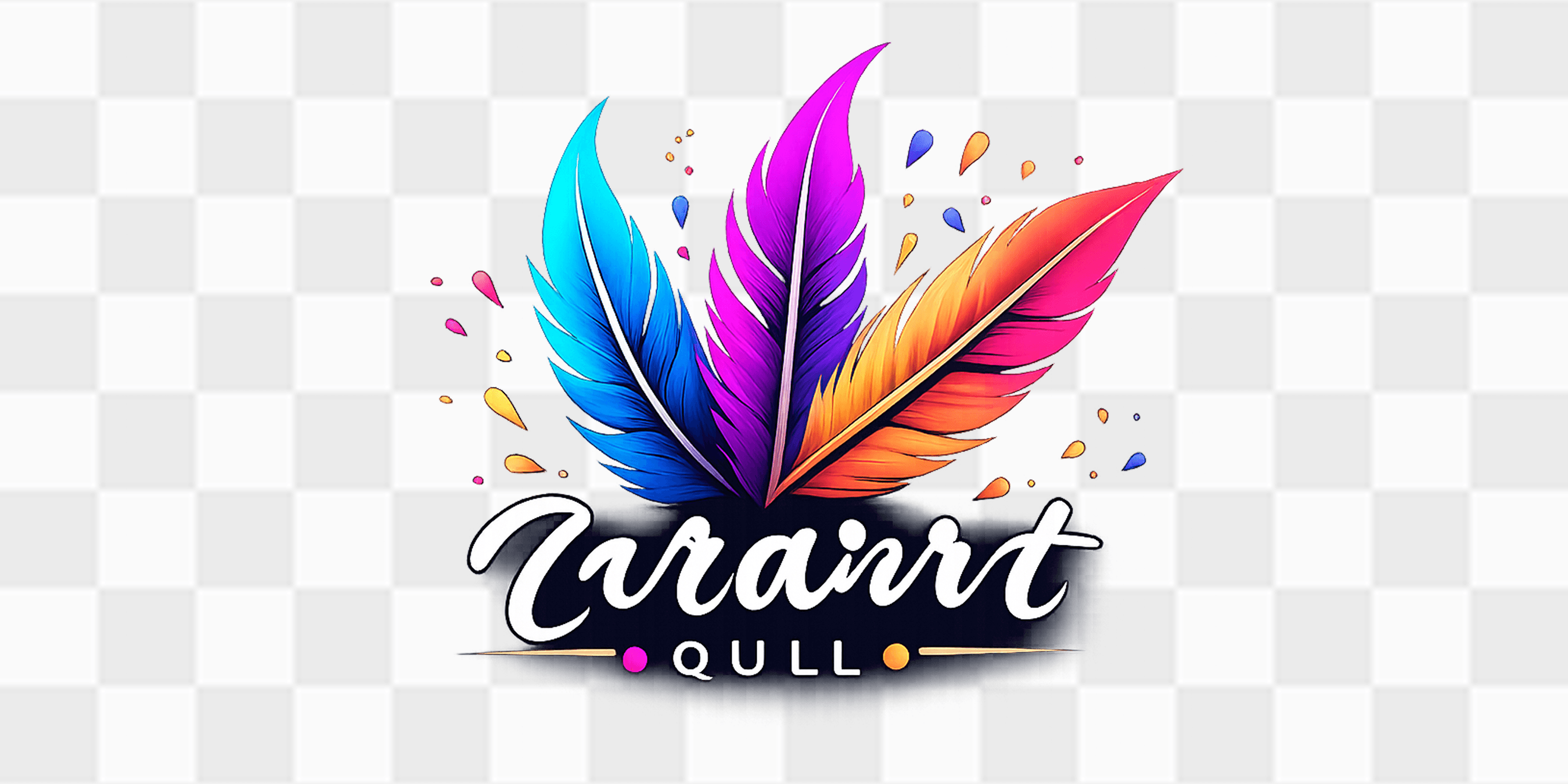
Output of default following removal. The background is completely transparent, displayed in the form of a checkerboard in the editor and saved as a PNG image. Apply to logos, graphics, presentations and any other project in which you need to overprint the subject onto another design.

  • Lossless transparency
  • Clean edges
  • PNG export
Transparent
White Solid
Dark Solid
Cosmic
Color Picker
Image Picker
EDITING SUITE

More Than Background Removal: A Full Image Editing Suite

Once the background has been removed, with movcut.ai you don't have to hop on other tools. No downloading, opening in a second application, or losing your work. Five editing features together can be applied directly to the interface - all of them would be applied to your output image before you download.

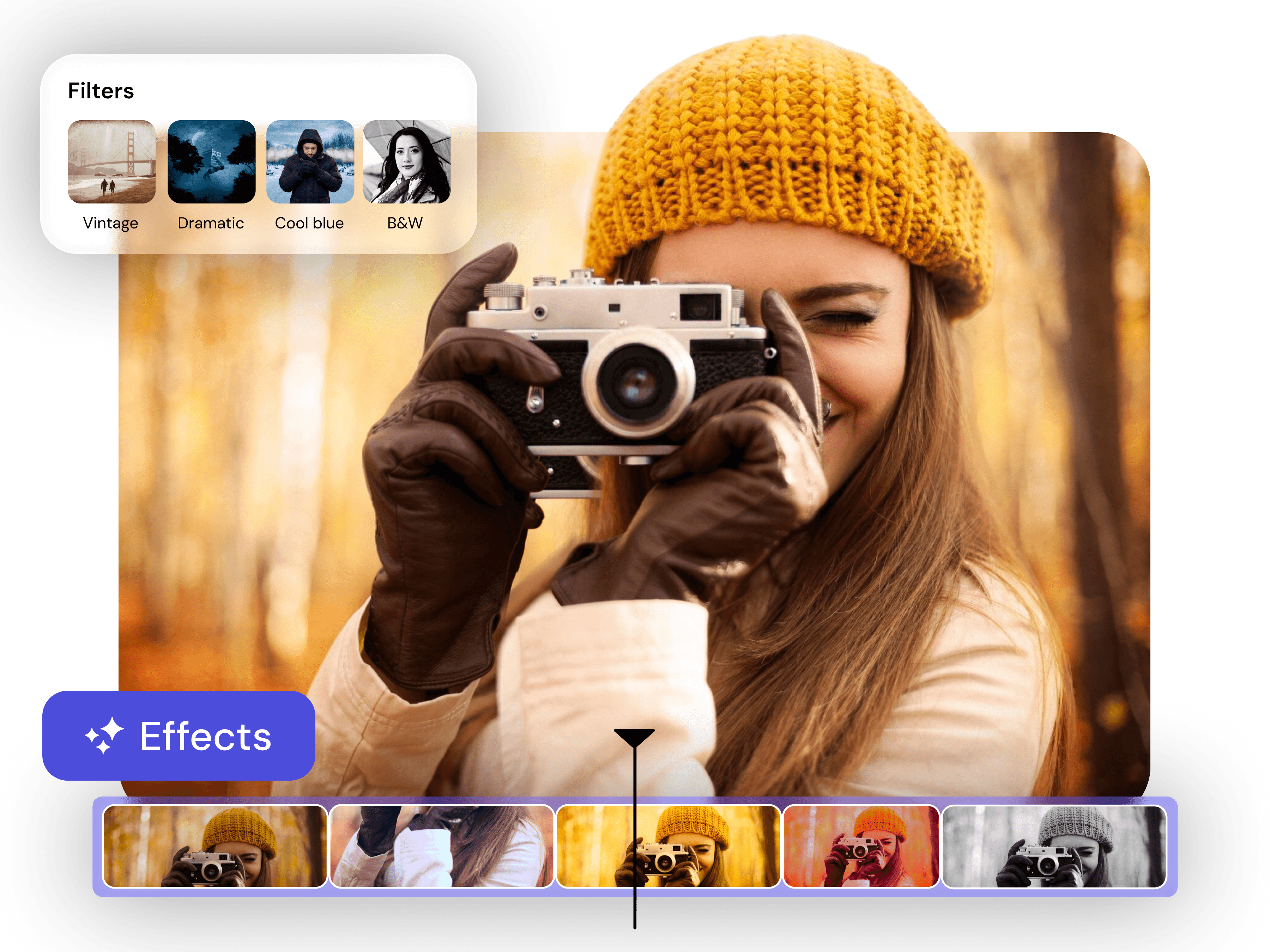
Filters and Effects

Original
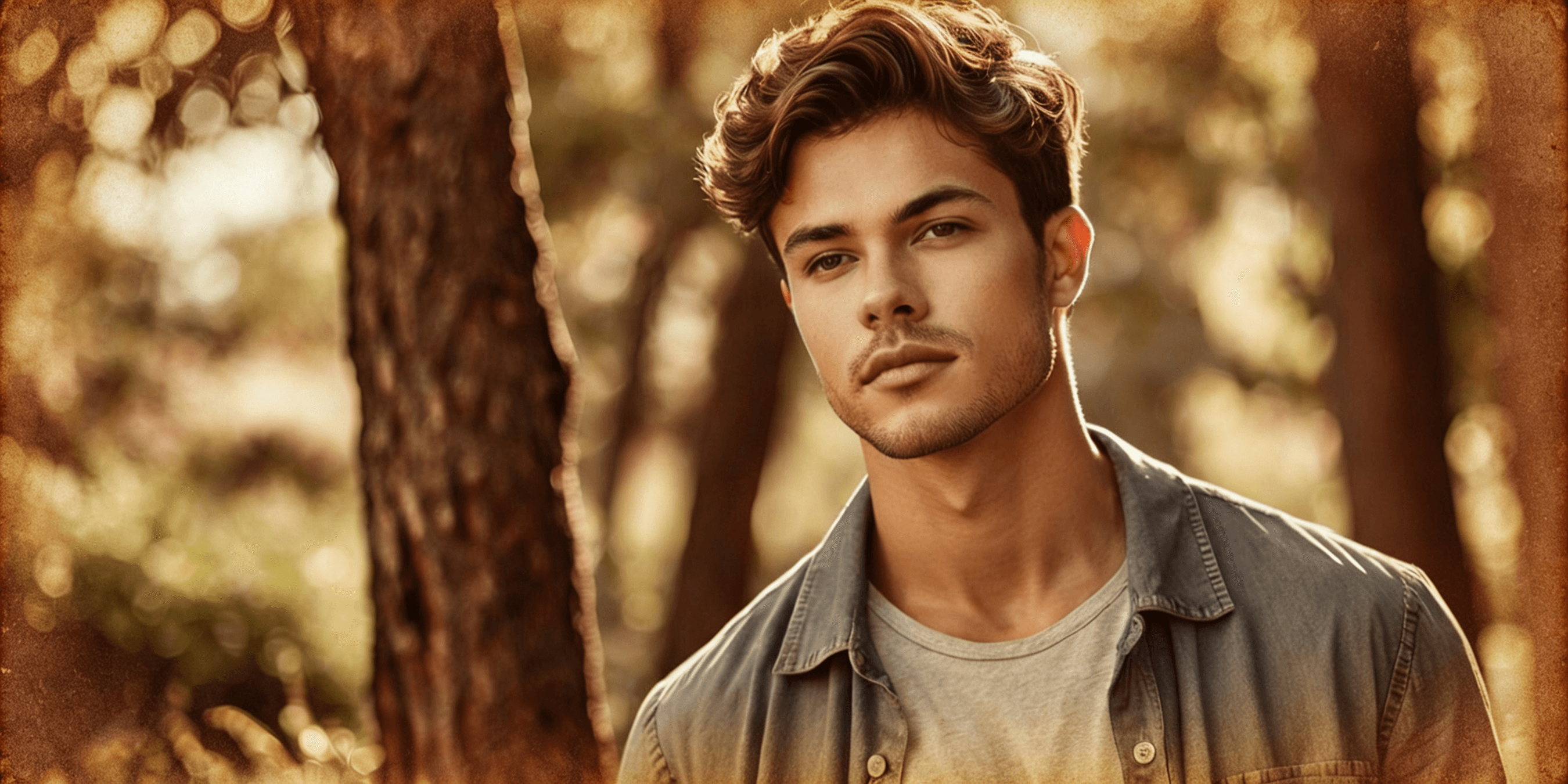
Vintage
Modern
Dramatic
Cold
Warm
B&W
Invert

After removing the background of the image, apply one of eight named visual filters to your image. Each filter is updated with the preview in real time and they can be switched with just a single click.

  • No filter applied. Default output.
  • Warm, low saturation colors.
  • Clean, slightly cool with increased clarity.
  • Strong contrast and increased shadows.
  • Cool blue-shifted tones.
  • Change of tone to golden, sun-warm.
  • Complete black-and-white conversion.
  • Invents all colors in the picture.
Filters and Effects

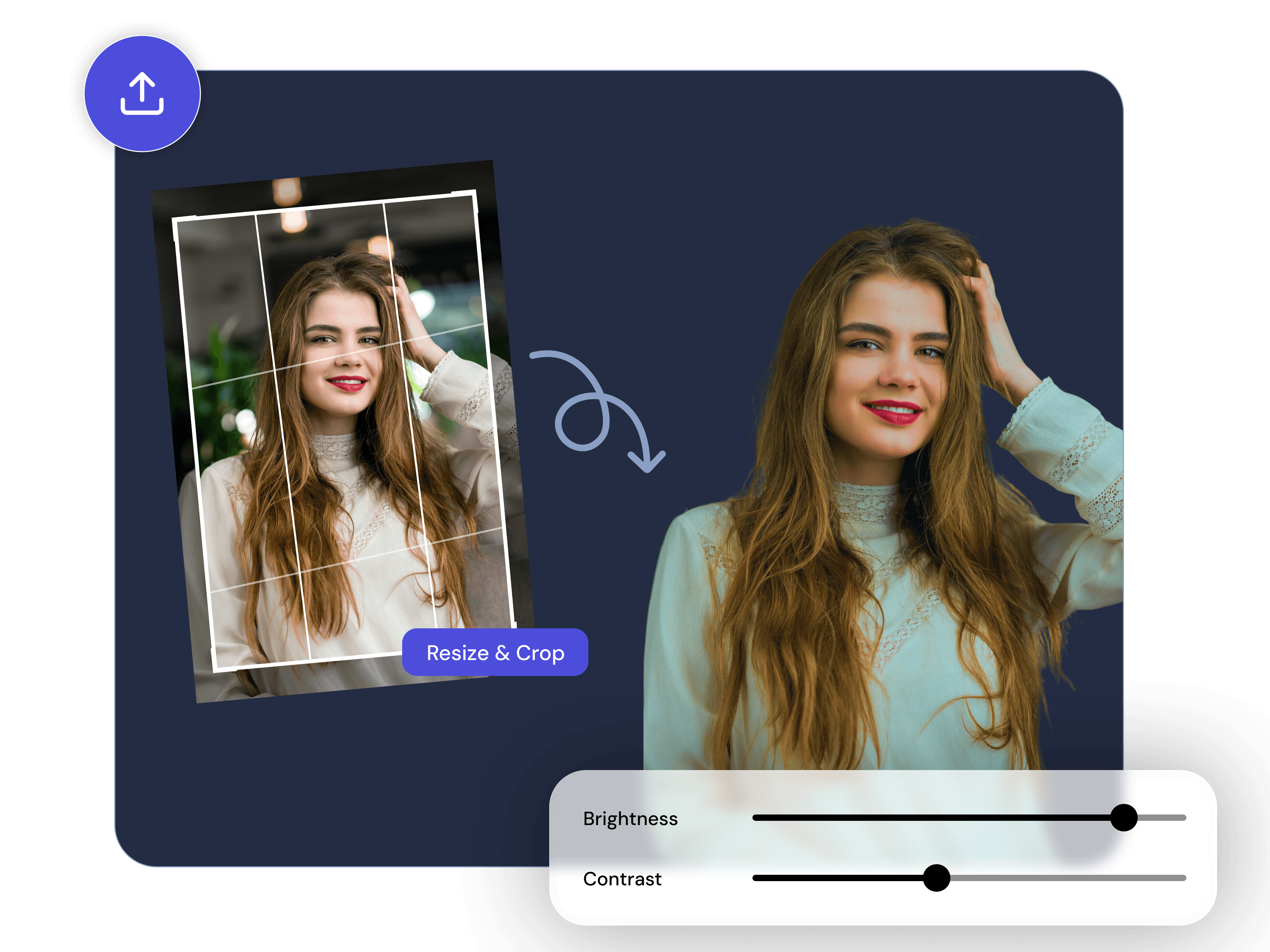
Image Adjustments

Brightness
Contrast
Saturation
Reset All

There are three independent sliders that allow you to manually fine-tune the output image. All three can be used concurrently and each of them will update the preview in real-time.

  • Percentage slider. Lighten or Darken.
  • Percentage slider. Add or subtract tonal range.
  • Percentage slider. Increase or decrease intensity.
  • A single click will restore all three sliders.
Image Adjustments

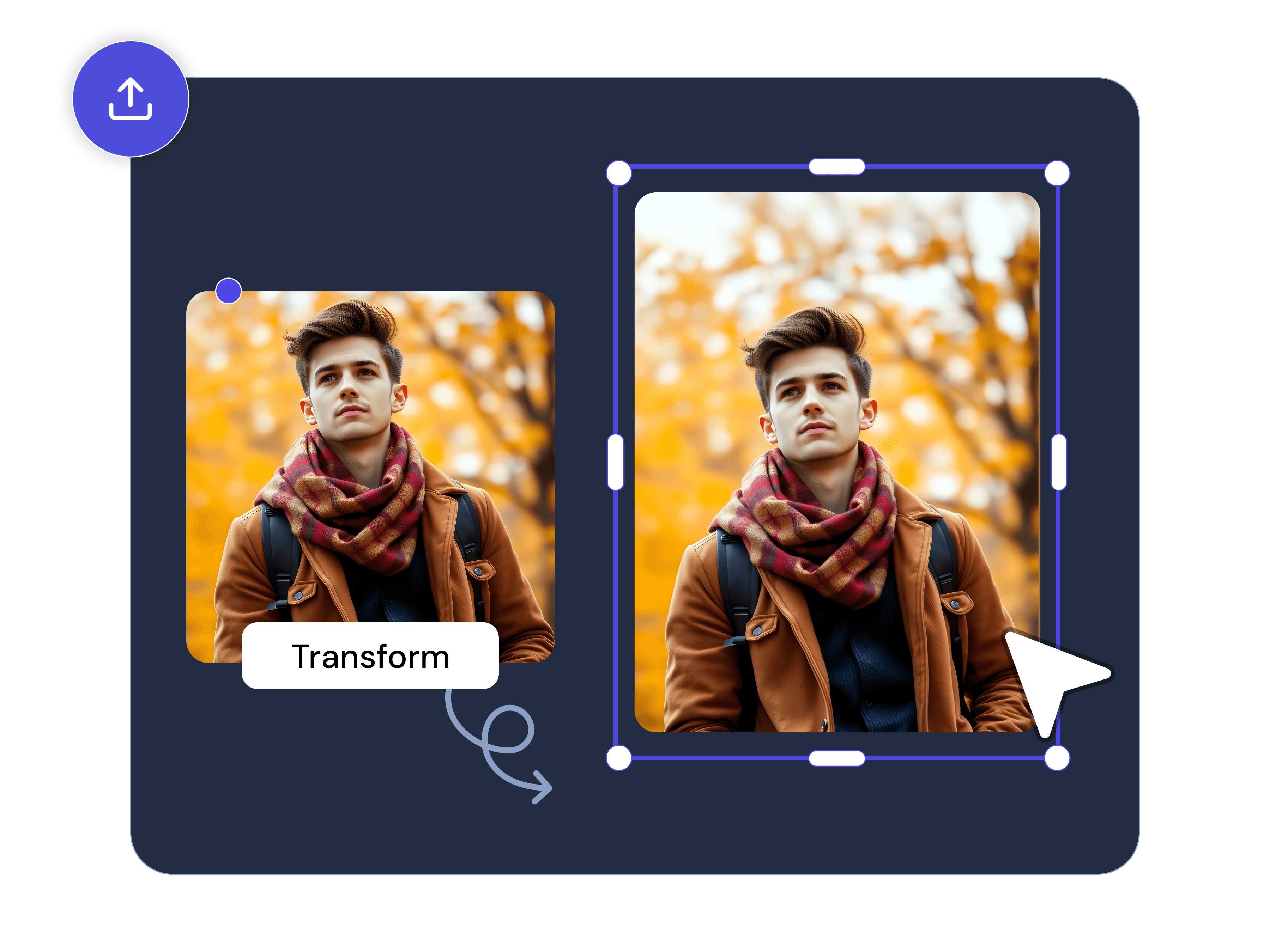
Transform Controls

Corner Radius
Rotation Angle
Snap
Crop
Flip H
Flip V

All the changes in space and dimension of the output image, done immediately after removal.

  • Slider smooths corners. Default 0%.
  • Slider with numeric value. Default 0°.
  • 90-degree rotation in a single click.
  • Resize the picture to any size.
  • Horizontal flip.
  • Vertical flip.
Transform Controls

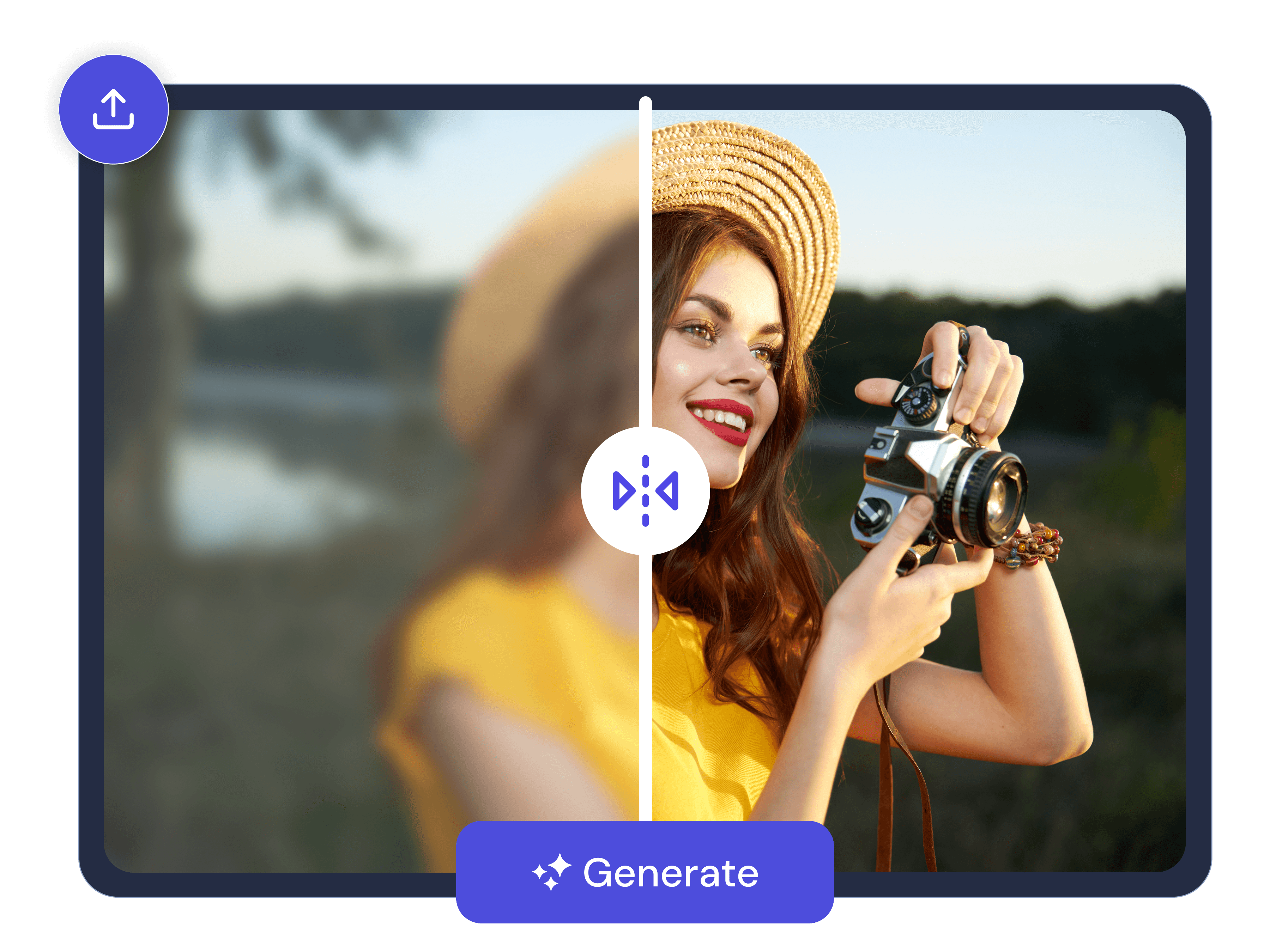
Image Upscale

2x Factor
4x Factor
Resolution Booster
High-definition output

Make your output image one time finer - once you have edited it, but are about to save it or download it. Use upscale when the source image resolution is too low to be used in its intended use. Or when you need the resolution of the file to be very high to be used for its intended purpose. While when you need the file to have very high resolution in order to be used for its intended purpose.

  • Increases resolution by doubling output.
  • 4x the output resolution.
  • For low-res assets.
  • Generation.
Image Upscale

Image Compressor

Target Quality Slider
Range Labels
Compress Image

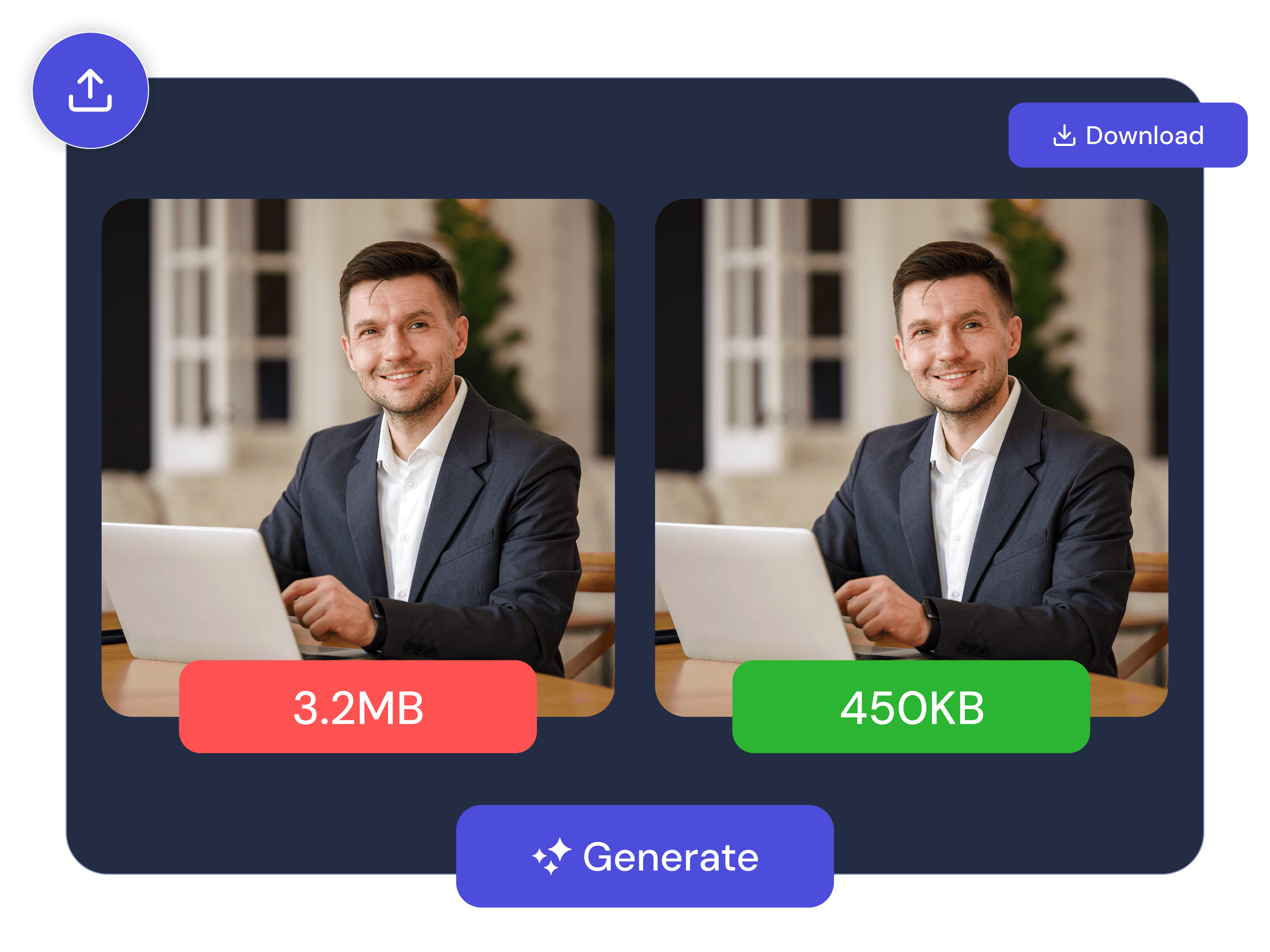
Before downloading, control the size of the file that you are going to download. When you want to upload the edited image to a platform that has a limit on how many pages it can upload at once or when speed in loading the pages is an issue.

  • 0 to 100%. Default 80%.
  • Less File - Higher Quality.
  • Compresses at choice level.
Image Compressor
USE CASES

What People Use It For

E-commerce Product Photography original
E-commerce Product Photography removed
Products

E-commerce Product Photography

One click to remove the original background on product, jewelry or clothing shots and to replace it with a white solid background. It will be ready to be used on any online platform like Amazon, and any other marketplace. Upscale 2x or 4x to make the output resolution listing quality.

Social Media Content original
Social Media Content removed
People

Social Media Content

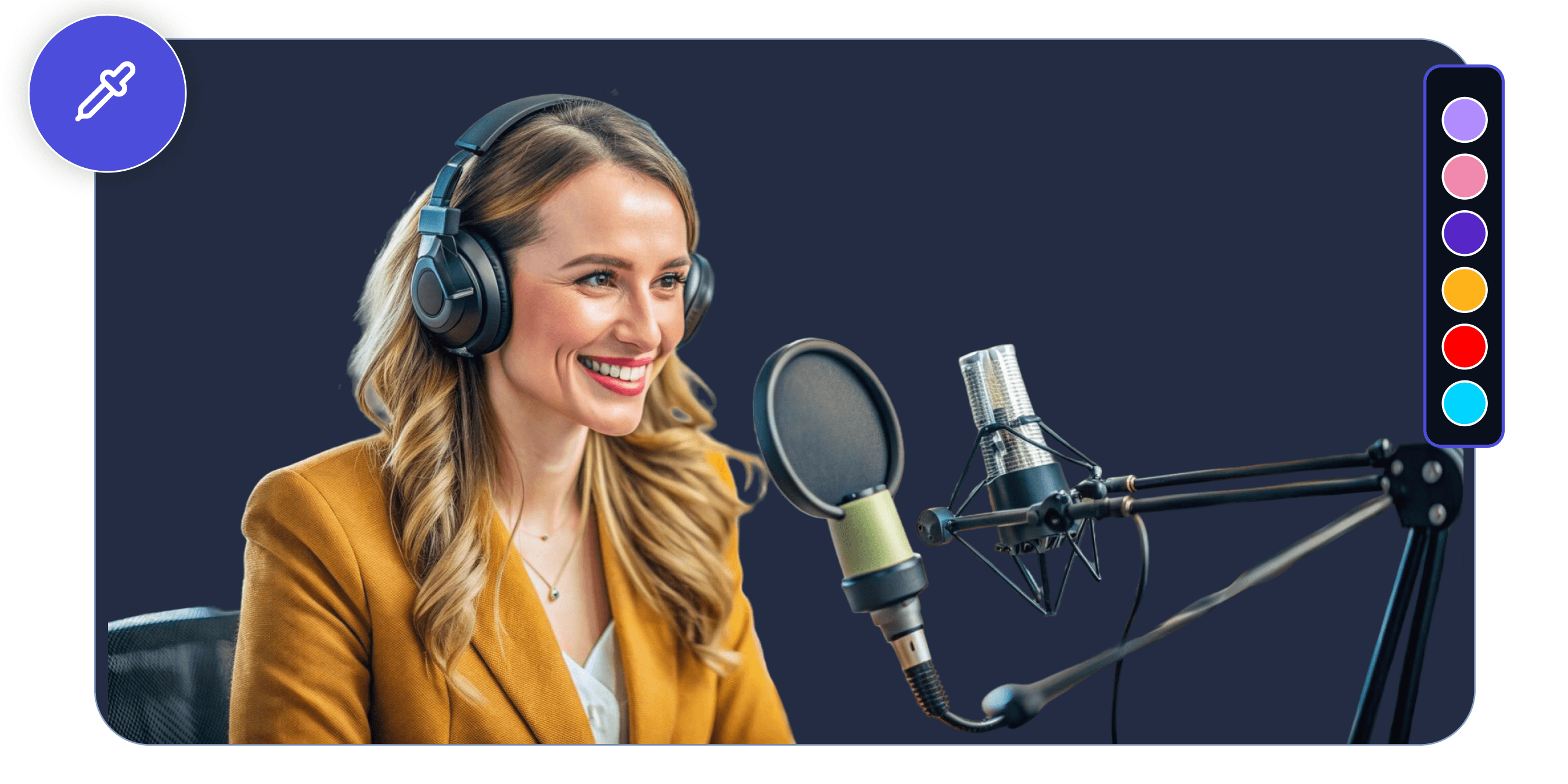
You can remove the background of a person, product or any subject and apply the Cosmic preset, a custom colour in the Color Picker or your own image in the Image Picker.

Headshots And Portraits of Professionals original
Headshots And Portraits of Professionals removed
Portraits

Headshots And Portraits of Professionals

Take the Background off a portrait and cover it with either White Solid or a custom color brand. Adjust the brightness and contrast sliders to fine-tune the exposure of the removed subject. Output will be appropriate to LinkedIn accounts and professional directories.

Graphics Design and Presentations original
Graphics Design and Presentations removed
Graphics

Graphics Design and Presentations

Export as a transparent PNG and directly import the cutout into logos, slide decks, design layouts, and layered creative projects. Fit the subject in the design without leaving the tool by using corner radius and rotation controls.

Food and Lifestyle Photography original
Food and Lifestyle Photography removed
Food

Food and Lifestyle Photography

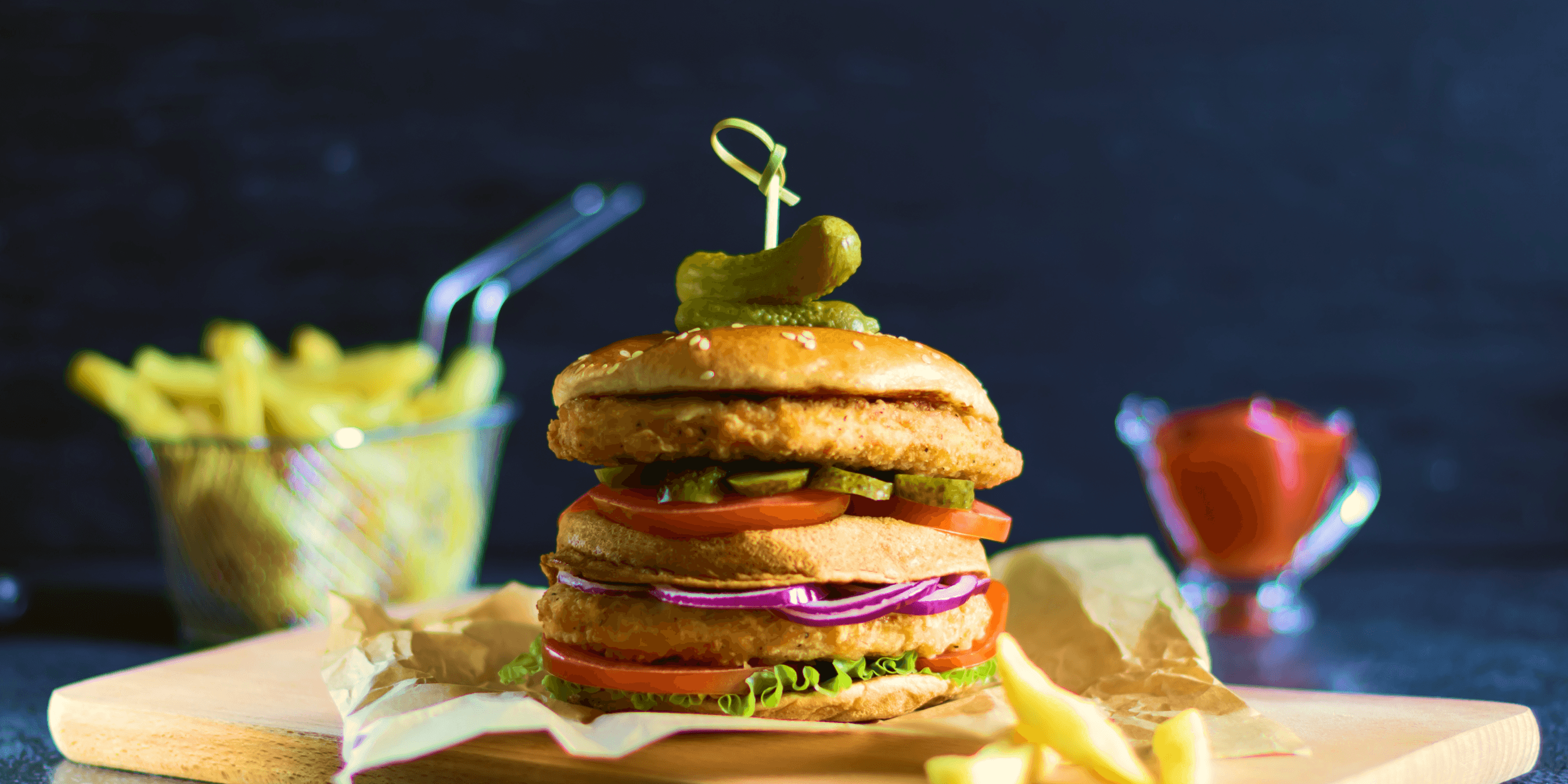
Clear an undesired background of a food shot or lifestyle product picture, use the Warm filter to alter the colors, adjust the saturation, and set a custom background image of the Image Picker. Applied to food blogs, restaurant menus, and lifestyle content where the background is a part of the visual narrative.

Personal and Creative Projects original
Personal and Creative Projects removed
Creative

Personal and Creative Projects

Personal photo edits, creative composites, and stylized social posts can be combined with filters such as B&W, Invert, or Dramatic and transform controls and custom backgrounds.

HOW IT WORKS

From Upload to Download in Three Simple Steps

  1. 1
    Choose Image

    Upload Your Image

    To upload your image, you can drag and drop your image onto the upload area or simply click to select a file on your device. Accepted formats include JPEG, JPG, PNG, WebP.

  2. 2

    Ai Gets Rid Of The Background

    The AI automatically recognizes your subject and removes the background with no manual selection or masking. The output is seen instantly, with the before/after drag slider displaying the original image and a clean transparent image.

  3. 3

    Edit And Download

    Fine-tune your image, then export it.

    • Choose a background style
    • Apply a filter
    • Adjust brightness, contrast & saturation
    • Rotate, flip, crop or add corner radius
    • Upscale to 2× or 4×
    • Compress & download
Start Removing Backgrounds Free
No credit card required • Instant results
WHY MOVCUT.AI

What Sets This Tool Apart

6

Background Styles

8

Filters

2x–4x

Upscale

0

Tools to Switch

Six Named Background Styles

Eight Named Filters

Complete Editing Suite

Full Transform Controls On The Output Image

Upscale And Compress In One Tool

Interactive Before/After Drag Slider

Start Removing Backgrounds Free. Unlock the Full Suite When Ready.

FREEFOREVER
$0/ forever
10 credits included
Also Includes
AI Videos (10s)8
Script to Video2 Videos (120s)
AI Images12
Scripts50
  • HD Export (720p)
  • 8 voices
  • 50+ Languages
  • All tools
  • All AI models
  • Image upscale
  • Watermark free
  • Priority queue
  • Advanced features
  • Commercial license
  • API access
Start for free
STARTERMONTHLY
$23/mo
180 credits included
Also Includes
AI Videos (10s)10
Script to Video54 Videos (120s)
AI Images91
Scripts820
  • Full HD (1080p)
  • 15 voices
  • 50+ Languages
  • All tools
  • All AI models
  • Image upscale
  • Watermark free
  • Priority queue
  • Advanced features
  • Commercial license
  • API access
Select Plan
STARTERYEARLY
$163/yr
2,160 credits included
Also Includes
AI Videos (10s)72
Script to Video388 Videos (120s)
AI Images646
Scripts5820
  • Full HD (1080p)
  • 100+ voices
  • 50+ Languages
  • All tools
  • All AI models
  • Image upscale
  • Watermark free
  • Priority queue
  • Advanced features
  • Commercial license
  • API access
Select Plan
FAQ

Background Remover Frequently Asked Questions

What image formats can I upload to the background remover?

Yes, our online tool supports JPEG, PNG, JPG and WebP files.

Is there a file size limit for uploads?

The file size is mostly dependent on the plan you are subscribed too. The free plan supports standard image sizes for most use cases.

What format is the output image downloaded in?

The output image is downloaded as PNG files, which preserve transparency when the transparent background option is selected.

How long does background removal take?

Background removal is instant. Most images are processed within a few seconds.

How accurate is the background removal on hair and complex edges?

The AI processes fine edges such as hair strands, fur, and complex outlines of objects. The before/after gallery displays the edge accuracy of various subject types.

Can I add my own image as a background after removing the original?

Yes. The Image Picker option in the background style selector lets you upload any image and set it as the background behind your subject.

Can I adjust the brightness and contrast of my image?

Yes. The Adjustments panel includes individual sliders for brightness, contrast, and saturation, plus a Reset All button to return to defaults.

Can I rotate and flip my image after background removal?

Transform controls include a rotation angle slider, a Snap 90° button, and separate Flip H and Flip V options.

What filters are available after removing the background?

There are eight filters: Original, Vintage, Modern, Dramatic, Cold, Warm, B&W and Invert. They are all one- clicking and with a live preview.

How do I upscale my image after background removal?

In the editing panel, select Upscale, and select either 2x or 4x. The output resolution is also increased before you can download.

Do I own the rights to images I edit with movcut.ai?

Yes. You still own all the rights to the pictures you post on and to the edited files you download.

Can I use edited images for commercial purposes?

The Pro and Business plans come with commercial usage.

Is my uploaded image kept private?

Movcut.ai does not provide third parties with images you uploaded. Pictures are manipulated with one objective in mind and that is to produce your output.

Does movcut.ai's background remover work on mobile?

Yes. It is a browser based tool, which can be operated on any mobile device without the need of any installation.

Do I need to download software to use it?

No. The AI background remover runs entirely in your browser. Nothing to install.

Is there a limit to how many images I can process on the free plan?

Yes. The free plan has a restricted amount of background removal generation/month. The Pro plan has eliminated this limit completely.