The AI Video Generator that Turns Your Script Into a Scene-by-Scene Video

Movcut.ai is an AI video production tool which is 100% browser based. It’s very simple to use. You just have to type your idea or paste a url to extract information and Movcut will create a complete script and cut it into scene to scene, automatically assigns the media to each scene, and creates a voiceover for each one. The result, a complete video is displayed in full timeline editor - so you could refine it as per your choice and get a professionally created video without switching tools or hiring a production team

Free plan available · No credit card · Export in HD

Watch the Complete Script-to-Video Workflow

4 Ways to Begin Your Video Project

All projects in movcut.ai begin with one of 4 input methods. All of them support the same workflow for producing a video, scene by scene, so no matter where you start, you'll end up with a structured and editable video.

Idea or Prompt

Enter your video idea into movcut.ai, which generates a complete video script having essential components like Hook, Body, and CTA as per scenes and provides each scene with visual direction. You can start your ai video creation journey If you have a concept, but not written content.
URL to Script

You can paste any article, blog post, or webpage URL and Movcut.ai extracts the main content and understands it and generates a scene-by-scene script. Use this to convert existing written content to video without rewriting it.

Write Your Own Script

You can type or paste in movcut’s script box that you have already written, and movcut.ai will keep your exact script to organize it into Hook, Body, and CTA scenes, while assigning media to each. Use this when you have a complete script.

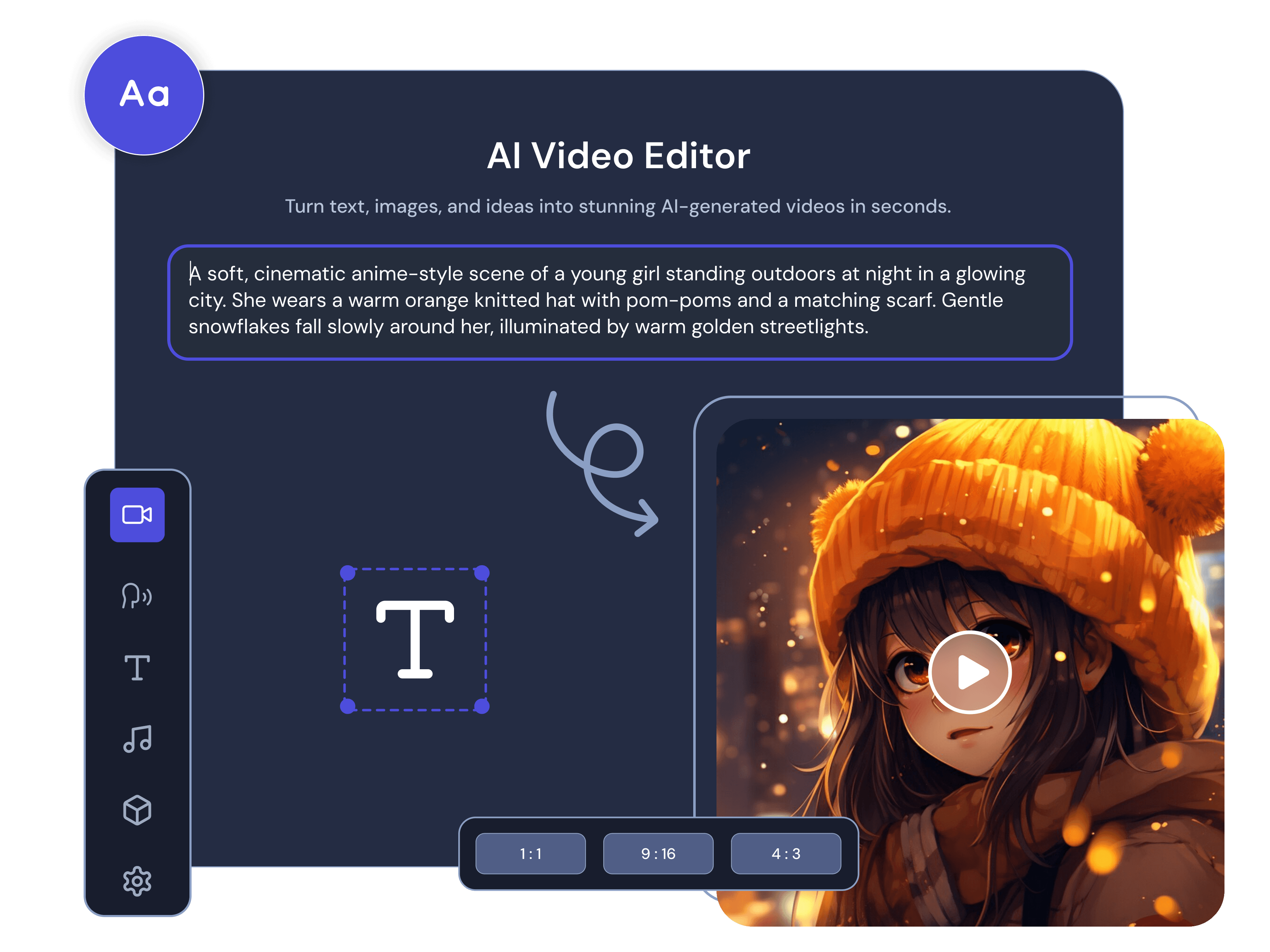
AI Video Generator

Prompt the AI and receive a short video clip directly from the integrated AI model. This feature will help you generate an AI video from text prompt (This does not produce a full scene-by-scene project). You can use this feature for rapid visuals that don't require a full project, or if you want to create AI-generated visuals to use them for specific scenes of your full length videos project.

From Script to Final Video in 5 Steps

  1. 1

    Write or Input Your Script

    Type a prompt, enter a URL, or enter a script of your own. Set the video tone (Professional, Energetic, Calm, Humorous, or Dramatic), the format (Landscape, Portrait, or Square), and the duration (between 15 and 120 seconds).

  2. 2

    Review and Edit Your Scene Script

    Here you can read the generated script as per scenes. Each scene displays its label (Hook, Body, or CTA), its script text and duration so that you could make direct changes to each scene. Now you have to choose a template to establish the look of your video.

  3. 3

    Select Media for Each Scene

    Review the stock video automatically matched to each scene by movcut.ai. Replace any media using the search option by stock library with your own keyword, generate an AI image or video or you can upload your own media files for each scene. Duration is shown for each result, so you can match clips to your scene timing precisely.

  4. 4

    Choose Voiceover and Captions

    Choose a voice provider (OpenAI or ElevenLabs) and choose a voice from the available options, each with a preview. Use Modern, Minimal, or Bold for the caption style. If your video doesn’t require voice you can choose No Voice to completely bypass a narration.

  5. 5

    Review, Edit, and Export

    Play the complete sequence and listen to the voice-over and/or review scene flow before confirming. To open the video in the video editor, click Create Project. Here you can edit the whole video including scenes, media, durations, text, search, and add background music as well. All at the scene level. Export your completed video with HD, Full HD, or 4K resolution in multiple formats.

Every Tool You Need, Built Into One Workflow

Scene Builder

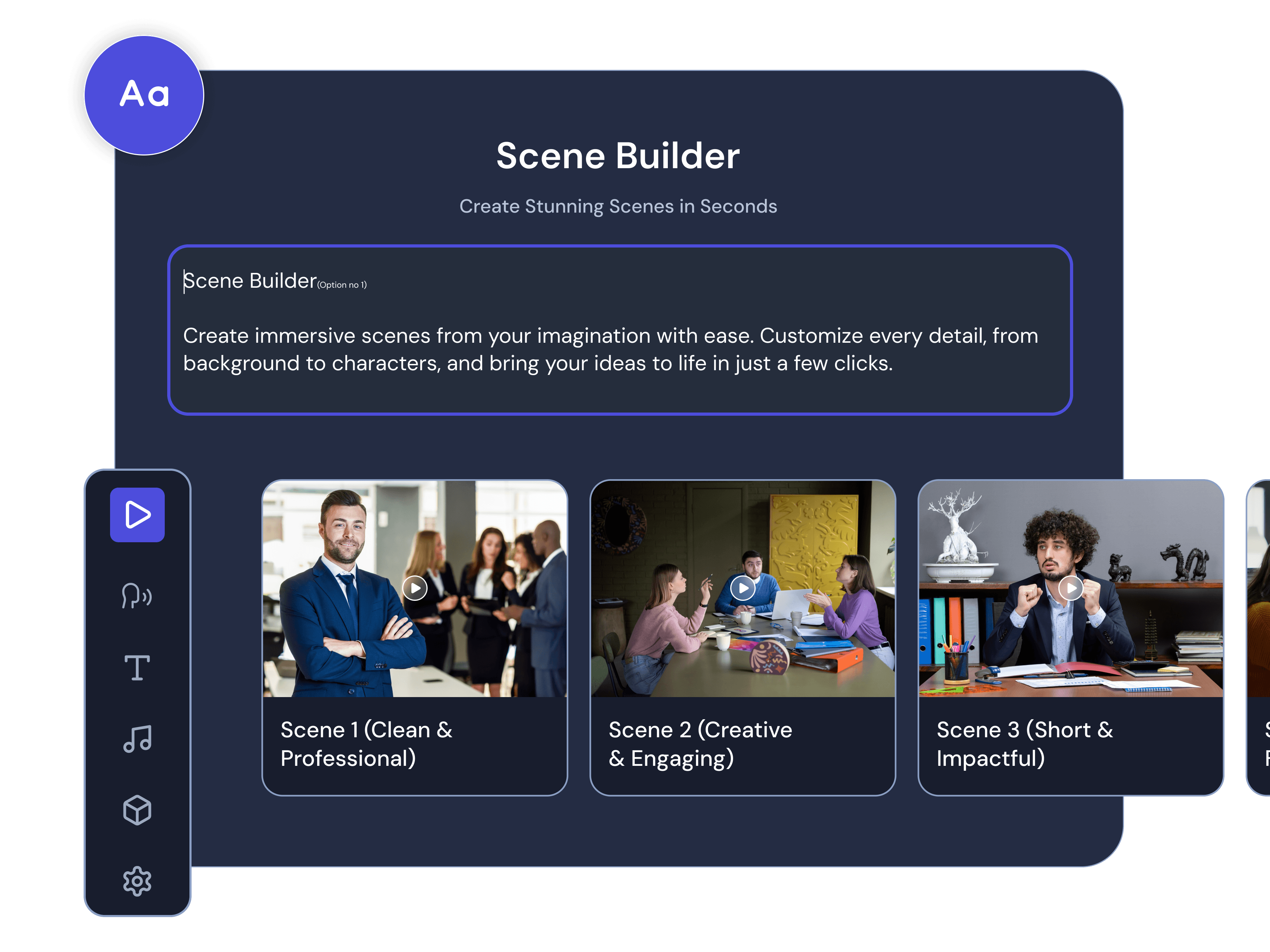
Movcut.ai’s script to video generator is the only tool which provides you with Scene Builder which empowers you with scene level control for all of the scenes. The script text, media, voiceover, duration, and visual settings are specific to each scene. You can modify the script of one scene without affecting other scenes.

Scene Builder
Scene Builder

Script Writer

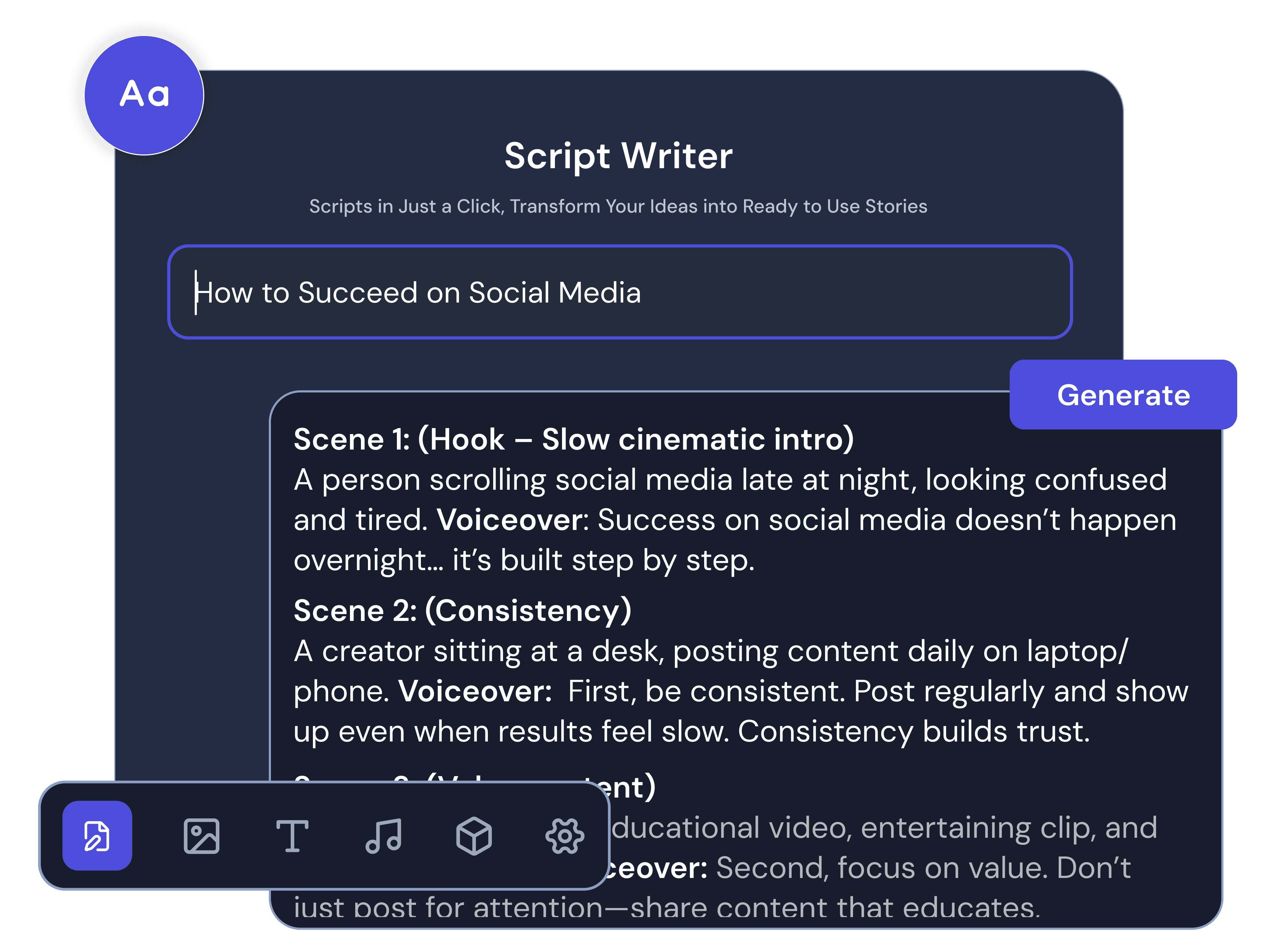
Script Writer helps you generate a scene-by-scene script from 3 inputs, a text prompt for your idea, a URL from which movcut.ai will extract and structure the content, or a manually written script that you paste directly. All scripts created with the Script Writer comes with the features like Hook, Body, and CTA so that your video has a clear narrative from start to finish.

Script Writer
Script Writer

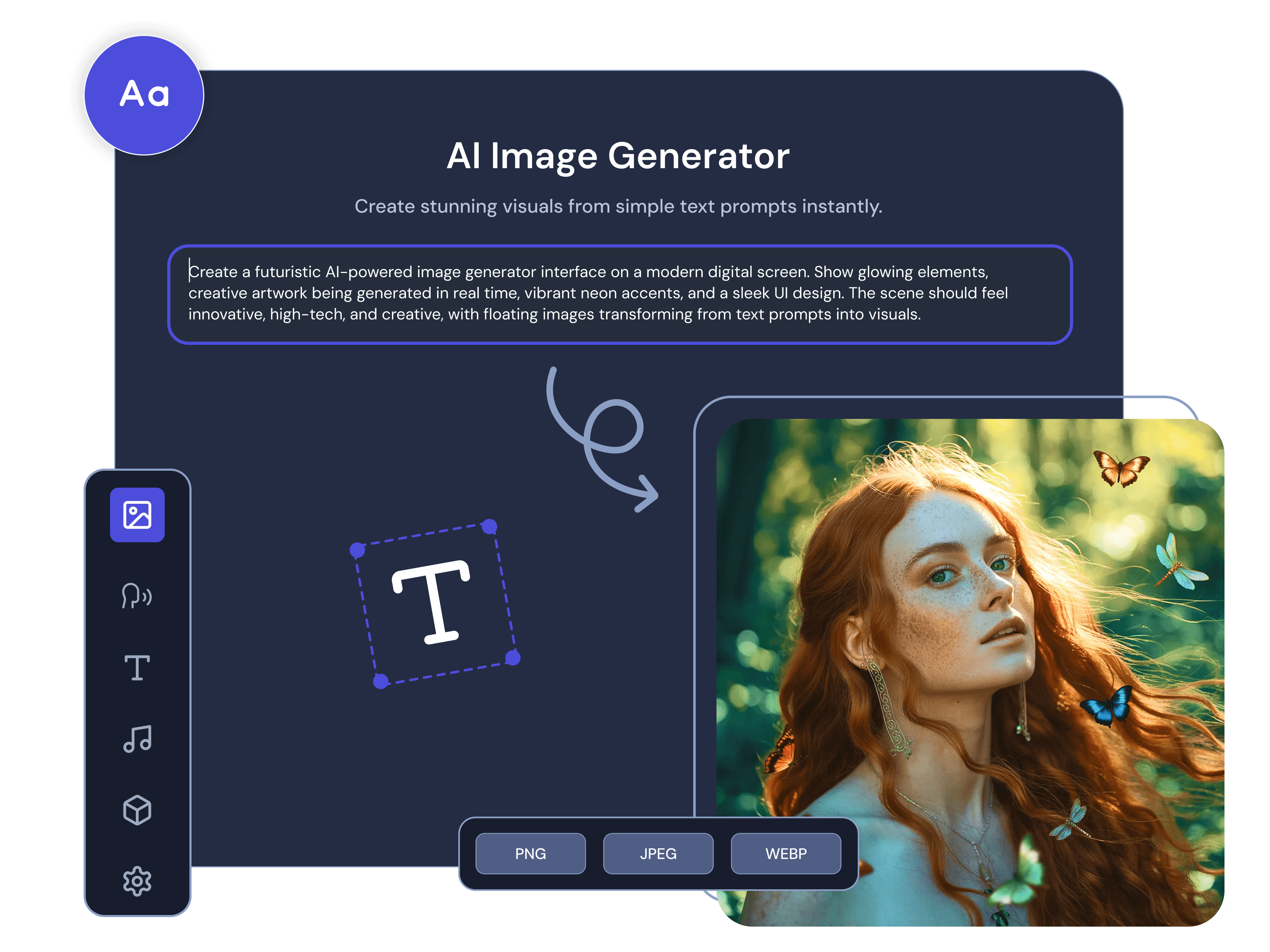
AI Media Library

In just one panel, AI Media Library provides you with 3 media sources: Stock footage based on a keyword search, Media in your Library tab and you can also upload from your own device, and AI-generated images or videos from a text prompt.

AI Media Library
AI Media Library

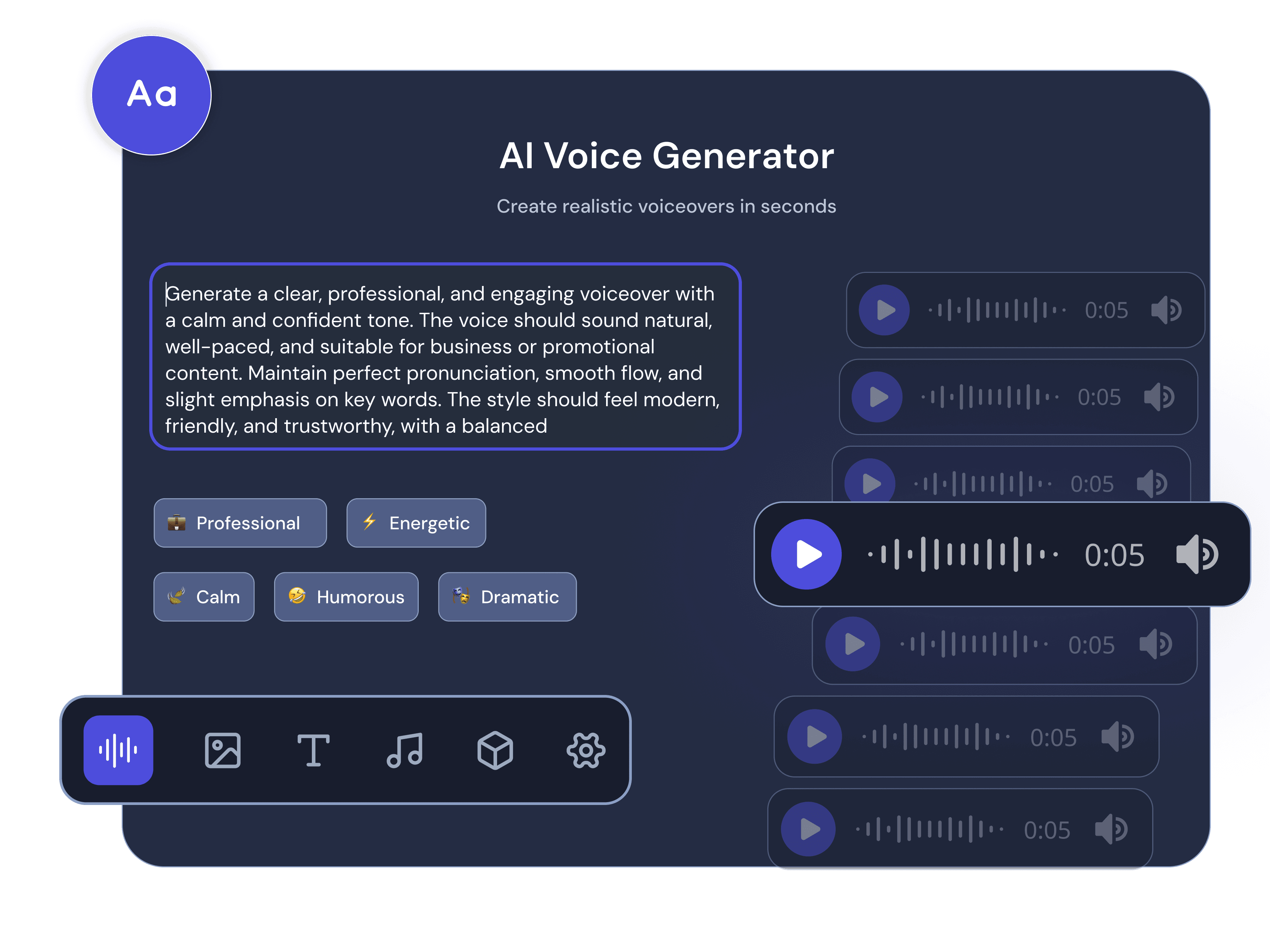
AI Voiceover

AI Voiceover offers narration text-to-speech for your script text, with 2 voice providers: OpenAI and ElevenLabs. OpenAI and Elevenlabs offer 100+ voice options in 50+ languages. Listen to any voice in advance prior to applying it.

AI Voiceover
AI Voiceover

Timeline Editor

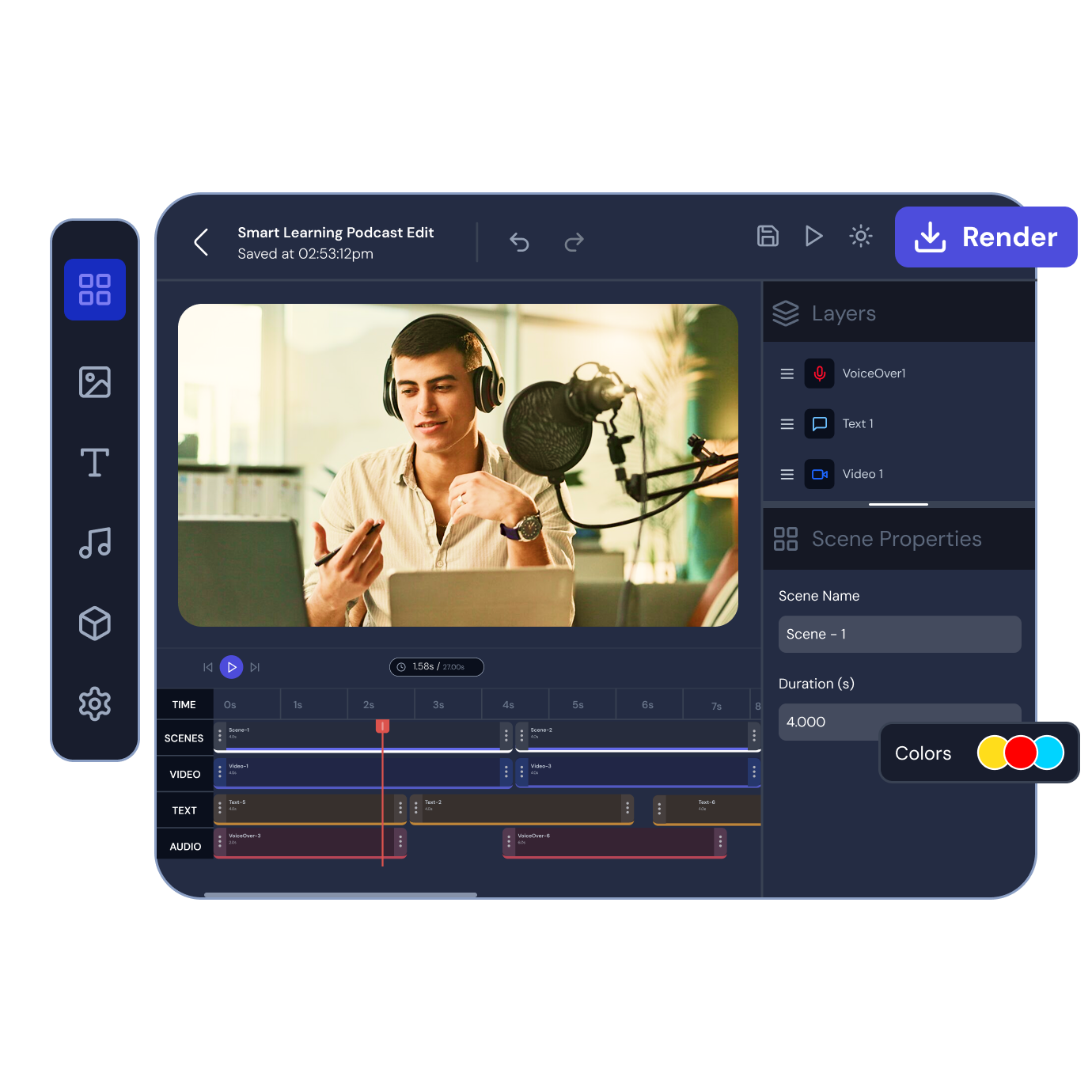
Once you complete the 5-step setup and click Create Project, the Timeline Editor opens automatically. The timeline includes 4 layers for each scene: Scenes, Video, Text, and Audio. Every layer will be separately editable. You can add new scenes at any position. Lengthen or shorten the scene by dragging the timeline.

Timeline Editor
Timeline Editor

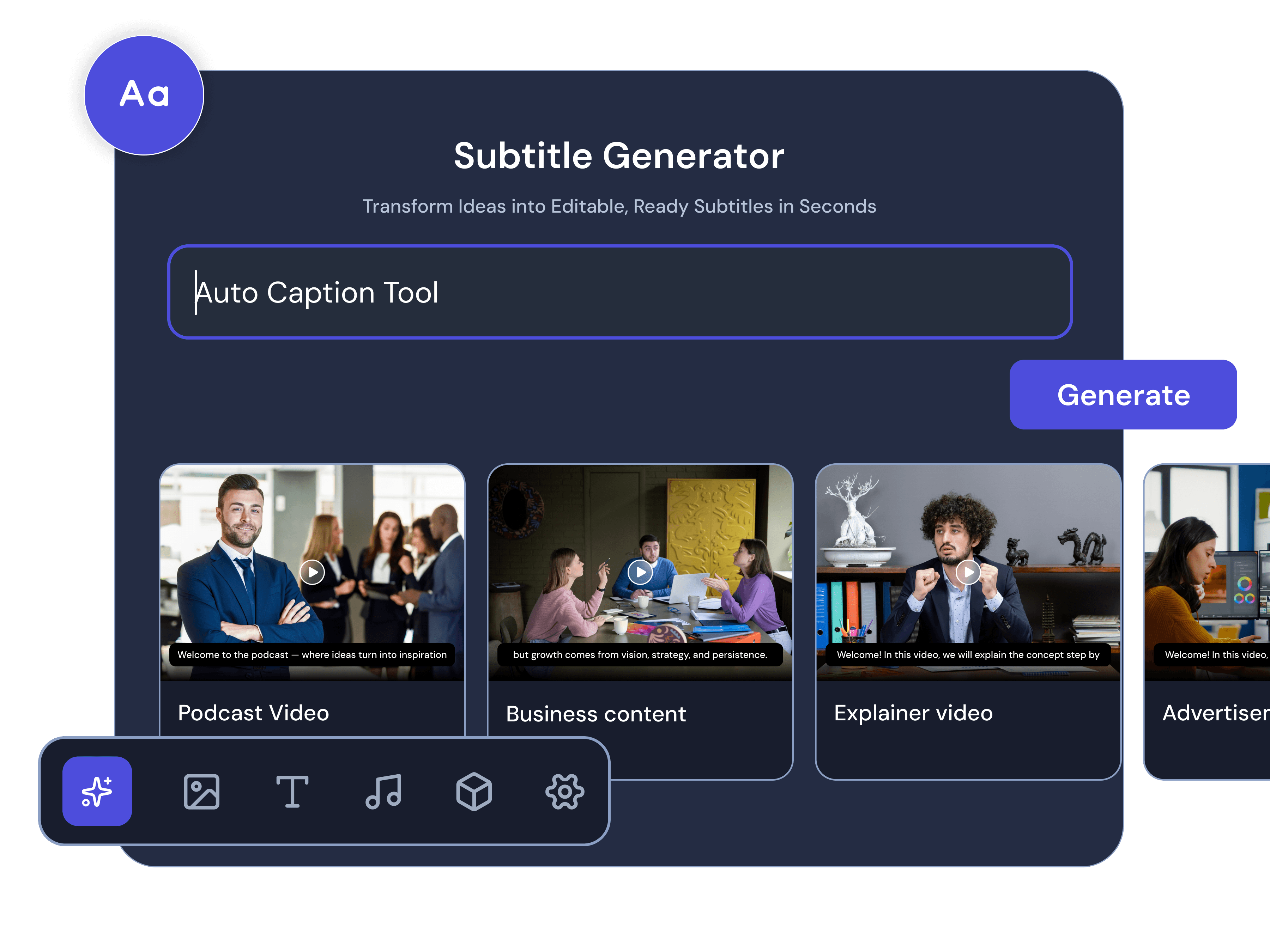
Subtitles

Subtitles are automatically generated from the voiceover and synced frame by frame with the video. There are 3 different caption styles: Modern, Minimal, and Bold. Subtitles are available in 50+ languages; the same language selection as with voice-over.

Subtitles
Subtitles

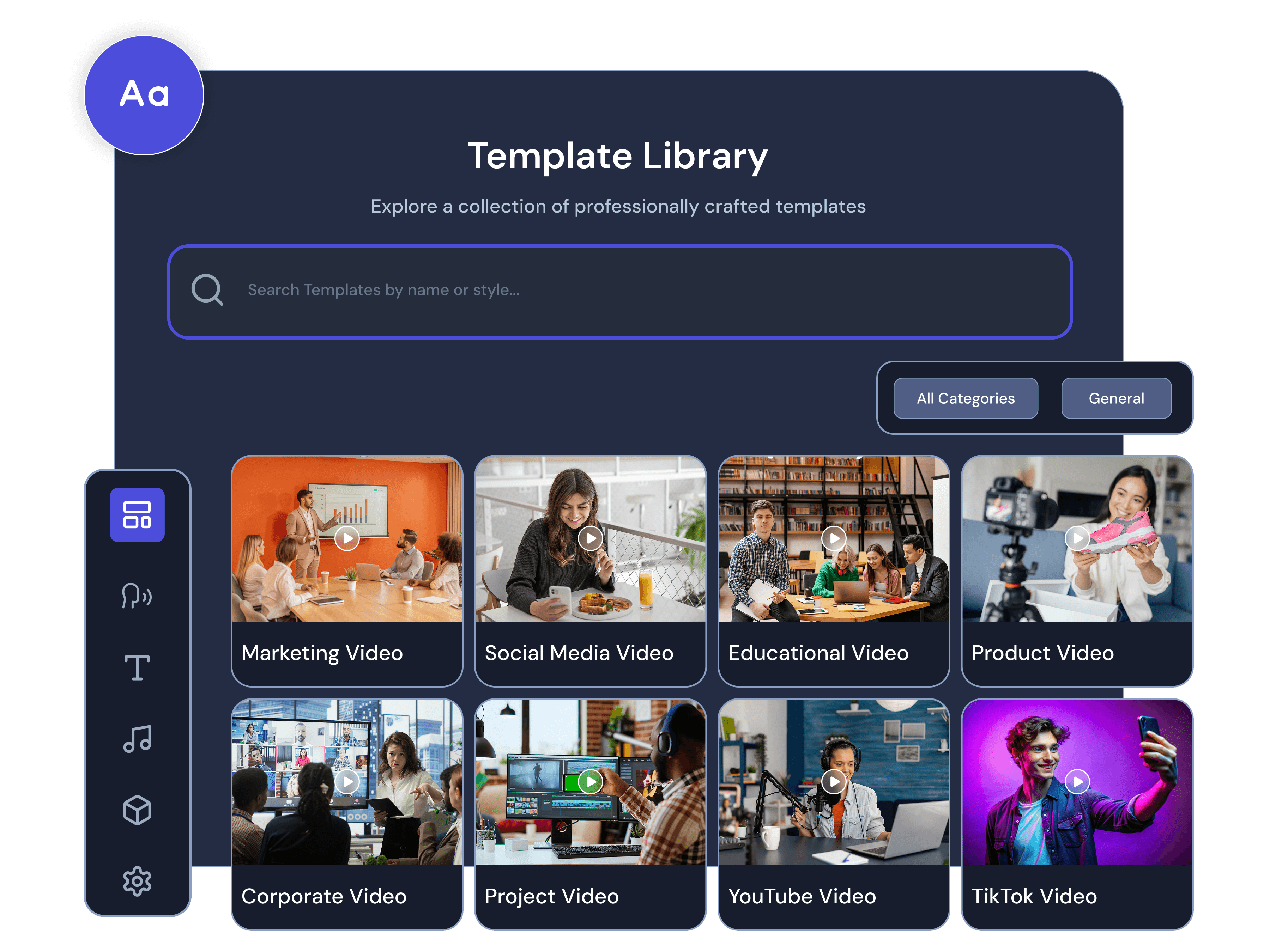
Template Library

Our text to video generator has prepared layouts and pacing frames for various types of videos. The template defines the structural flow of the video along with the visuals. There are different types of templates for example, marketing videos, media content, educational and awareness series. You can choose to apply any template at the start of the project or swap it out before generation begins.

Template Library
Template Library

Built for Every Creator, Marketer, and Business

Marketing Video

Marketing Video

Marketers use movcut.ai’s script to video generator to create promotional videos, brand content, and advertisement creatives based on a script or product description. It organizes every marketing video creative into three parts: the Hook, the Body, and the CTA - just like a great YouTube, LinkedIn, or Meta ad.

Social Media Content

Social Media Content

Social media managers use our AI video maker from script to create short-form videos for TikTok, Instagram Reels, and YouTube Shorts without having to hire a production team. Set the project format to 9:16 portrait, and Script Writer structures the script for short-form engagement, optimized for portrait format.

Educational Video

Educational Video

Movcut.ai transforms written lessons and outlines into structured instructional videos for educators, e-learning professionals, and course creators to transform their content into visual formats. Our platform has the ability to create narration for videos using more than 50 languages, auto-sync subtitles, and produces videos up to 10 minutes long, which can be full lessons or course modules in one project.

Product Demo Video

Product Demo Video

E-commerce sellers, retailers, and product managers use our AI video generator to generate product demonstration videos from product images or product descriptions in written form. The AI Media Library lets you upload product images and place them directly into scenes to create a visual walkthrough of the product features on platforms such as Shopify, Amazon, and Instagram.

Corporate Training Video

Corporate Training Video

HR professionals, L&D managers, and team leads utilize AI script to video maker to transform internal documentation, onboarding guides and instructions for the processes into structured training videos. Videos can be exported in HD or 4K video and are compatible with Learning Management Systems, Notion, and Microsoft Teams.

YouTube Video

YouTube Video

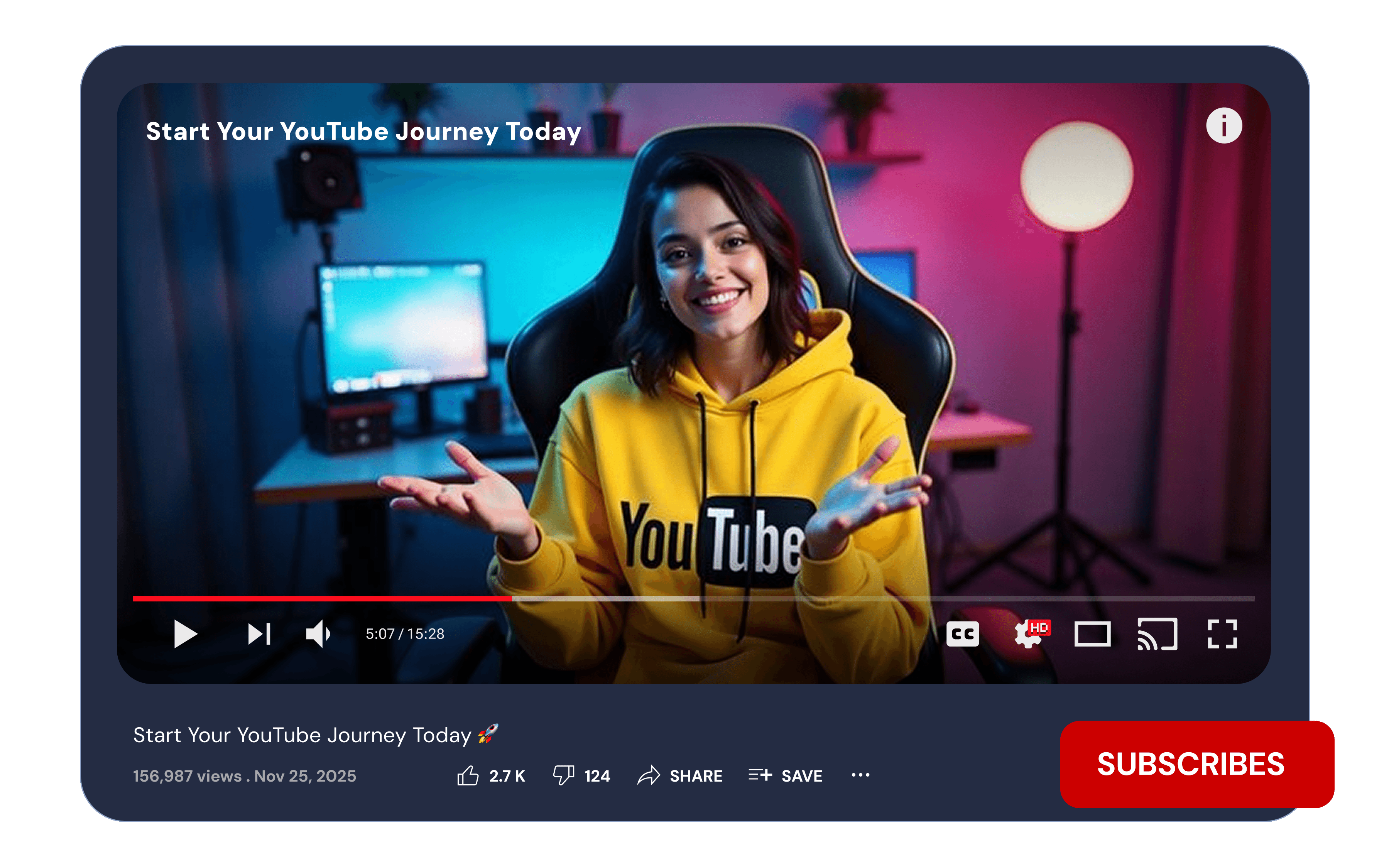
For faceless YouTube channel creators, movcut.ai helps to create long-form video content without being on camera. It handles the entire production workflow from script structure to scene media, voiceover, captions, and timeline editing, and exports in 16:9 up to 4K resolution right to YouTube.

TikTok Video

TikTok Video

With movcut.ai, TikTok creators and brand account managers can generate 9:16 vertical videos for the TikTok feed. The length of your duration can be set from 15 to 60 seconds, and set the tone to Energetic to match TikTok's pacing and format. The automatic captions are burned in at export for autoplay silent mode.

Explainer Video

Explainer Video

SaaS founders, startup teams and product marketers use movcut.ai to create explainer videos that introduce their product or service to a new audience. Video script structure is created by the Hook-Body-CTA, which starts with a statement, explains the solution in the middle of the video, and ends with a call to action.

Agency Video Production

Agency Video Production

Video agencies and freelancers use movcut.ai to scale client video production without increasing production time proportionally. The base project is built from a script template, and then the platform's scene-level editing enables agencies to tailor individual scenes according to the client brief, saving time per video.

Ecommerce Product Video

Ecommerce Product Video

Online store owners, market resellers and product owners often use our video generator for their catalogue. It helps them produce the motion parameters to produce an image that makes videos more dynamic on display. Additionally, it helps them produce different images and videos for the different platforms and placements using the same source material.

Faceless Video

Faceless Video

The videos created with no on-camera presenter are called faceless. movcut.ai helps this format by using AI narration, AI-generated images, and scene-by-scene creation, which does not require any filming. Anonymous content publishers, passive income creators and channel creators will provide the script or idea and the platform will create the entire video.

Personal Project Video

Personal Project Video

movcut.ai is used by individuals to create their own videos based on personal projects, family occasions, schoolwork or as part of a creative concept without any previous experience in video creation. The platform takes the user through every step - script, visuals, voice, and export - without having no technical knowledge.

The Only Script-to-Video Platform That Puts You in Control of Every Scene

Scene-Level Control

Unlike most other AI video editing tools, movcut.ai makes all production decisions on a scene-by-scene basis with media, voiceover, duration, text, and captions. This means every scene in your video is a self-contained production unit. Swap the media for scene 3 without affecting any other scene. The time for one scene is changed, but the structure of the other scenes remains unchanged. This is the only script-to-video platform powered with AI that gives this level of control over all 4 production layers, scene by scene.

Per-Scene Voiceover Selection

Movcut.ai offers 2 voice providers, and they can be previewed before their selection. The platform creates a synchronized narration for each scene separately that matches the narration with the length of the media of each scene. Competitors generate a single voiceover track for the entire video; movcut.ai generates one per scene, meaning the video's timing, pacing, and narration accuracy are controlled on a scene-by-scene basis.

AI Media Generation Per Scene

In a single AI Media Library, movcut.ai offers 3 media sources: stock footage you search for by its keyword, user-uploaded footage from your own media library, and AI-generated images and videos based on a text prompt. All 3 can be accessed at the scene level in the same panel in the editor. Create a custom AI clip or image for a targeted scene only, without impacting other scenes in the project. Before confirming, the credit cost for each generation is shown.

Full Timeline Editor Post-Generation

Once set up in 5 steps, movcut.ai opens the project in a complete timeline editor, which has 4 layers per scene: Scenes, Video, Text, Audio. All elements are freely customizable after generation without having to restart the project to edit one scene. Add scenes, replace media, set timings, add text overlays, search and apply background music, and set position, opacity, rotate, and crop per media element. The timeline editor views your video as a production job, not a specific product.

AI Video Quality and Output Specifications

Video Resolution
Export your finished video in HD, Full HD, or 4K depending on the quality level you choose at the export stage.
Aspect Ratio
Aspect Ratios Set your project's aspect ratio, 16:9 for landscape, 9:16 for vertical, 1:1 for square, or 4:5 for feed placements.
Max Video Duration
Videos can run from 15 seconds up to 10 minutes by organizing longer content across multiple scenes.
Clip Duration
Clip Duration Each individual scene clip can be set between 3 and 30 seconds to control pacing.
File Formats
Export your video in MP4, MOV, WebM, WMV, or MKV depending on your platform or editing workflow.
AI Models
Choose Open AI’s GPT Image 1, ElevenLabs to power your video generation.
Voice Languages
Add narration in any of 50+ supported languages to reach a global audience.
Generation Time
Each clip typically takes between 30 seconds and 3 minutes to fully generate.
Frame Rate
Choose 24fps, 30fps, or 60fps to match your delivery standard or platform requirement.
Subtitles
Subtitles are auto-generated, multilingual, and time-synced directly to your video content.

AI Videos Optimised for Every Platform You Publish On

YouTube-Ready Videos in Minutes

ASPECT RATIO
16:9
DURATION
Up to 10 min
FRAME RATE
24 / 30fps
YouTube preview

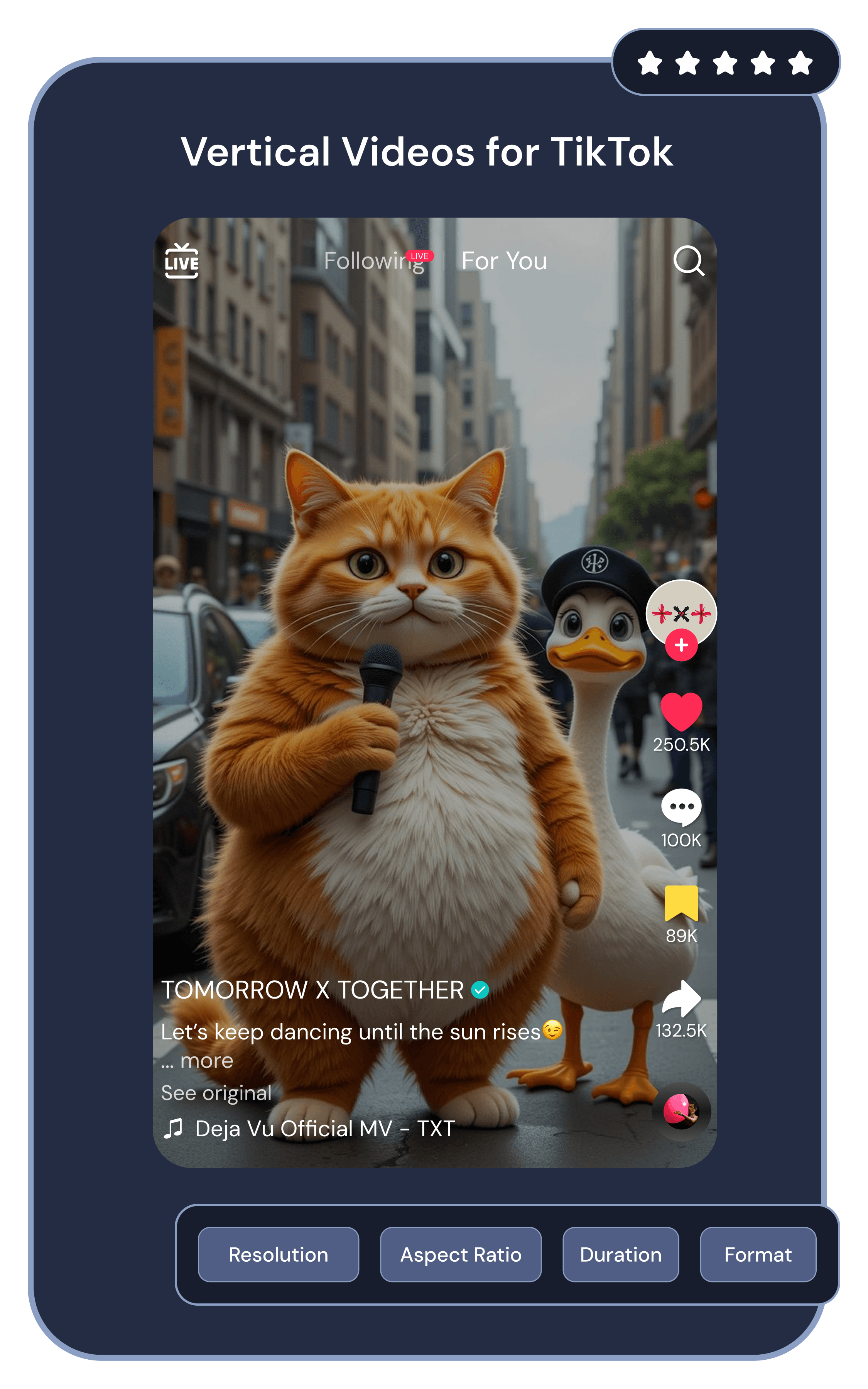
Vertical Videos for TikTok

ASPECT RATIO
9:16
DURATION
15 – 60 sec
FRAME RATE
30fps
TikTok preview

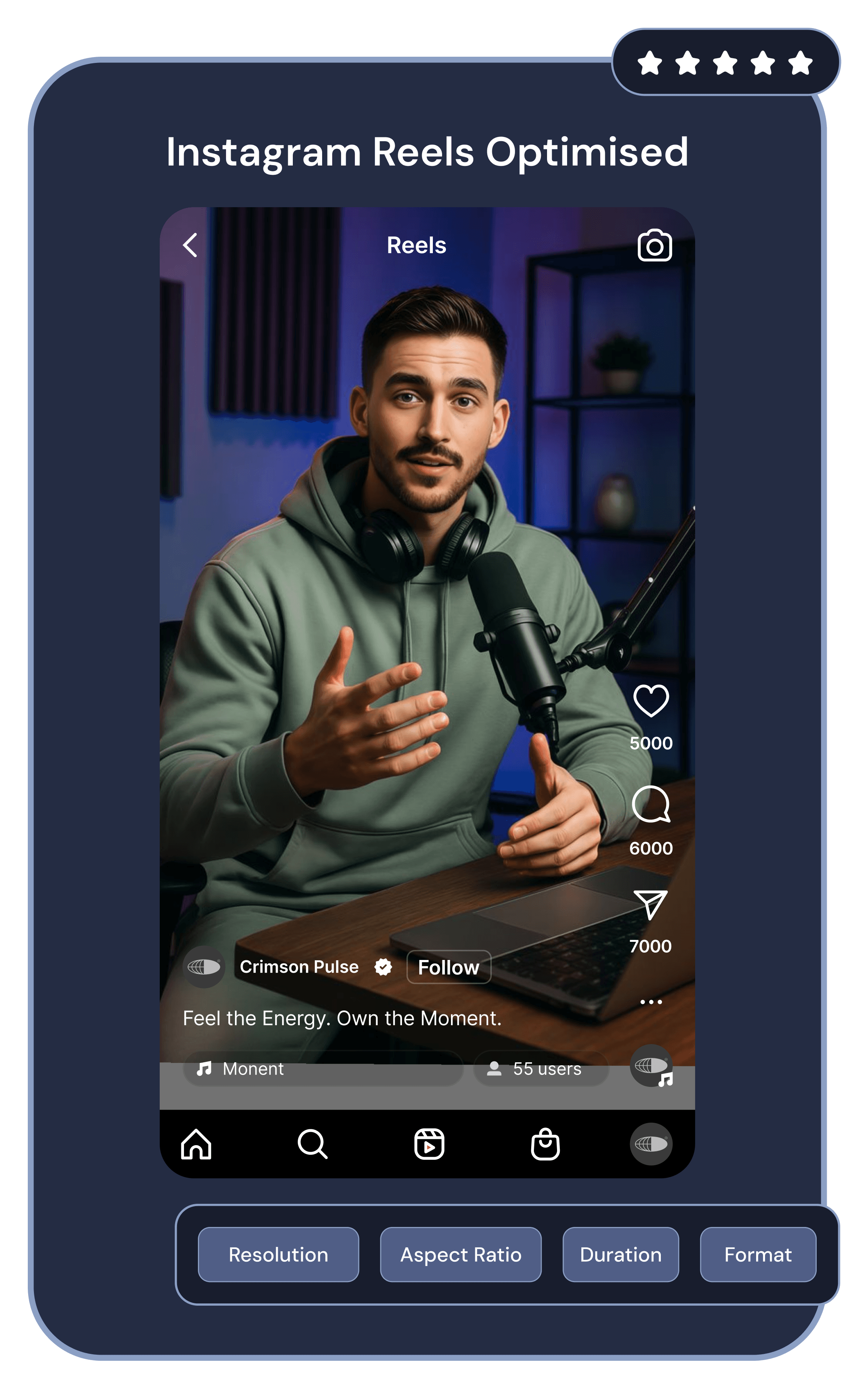
Instagram Reels Optimised

ASPECT RATIO
9:16
DURATION
15 – 90 sec
FRAME RATE
30fps
Reels preview

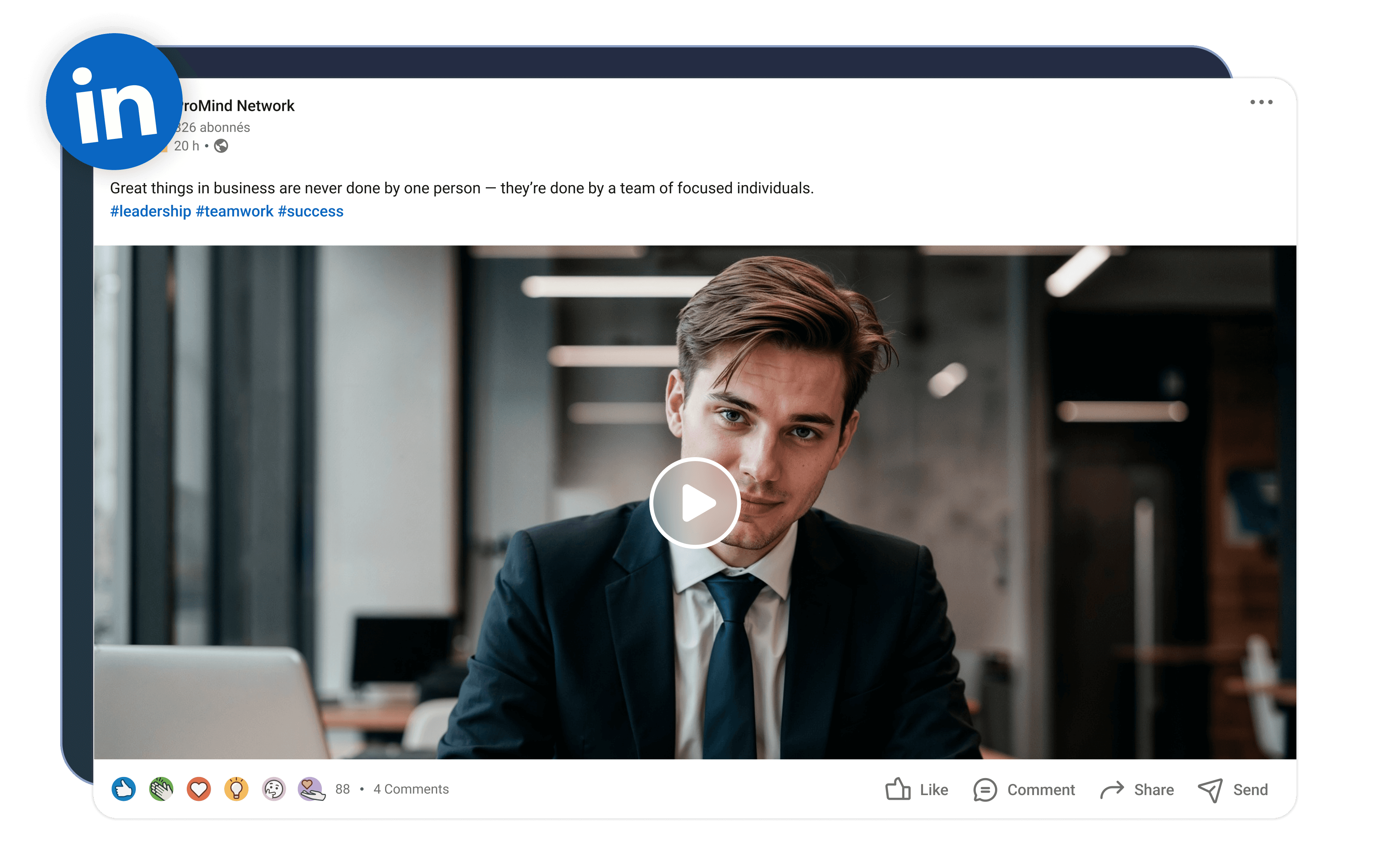
Professional LinkedIn Videos

ASPECT RATIO
16:9 / 1:1
DURATION
Up to 10 min
FRAME RATE
30fps
LinkedIn preview

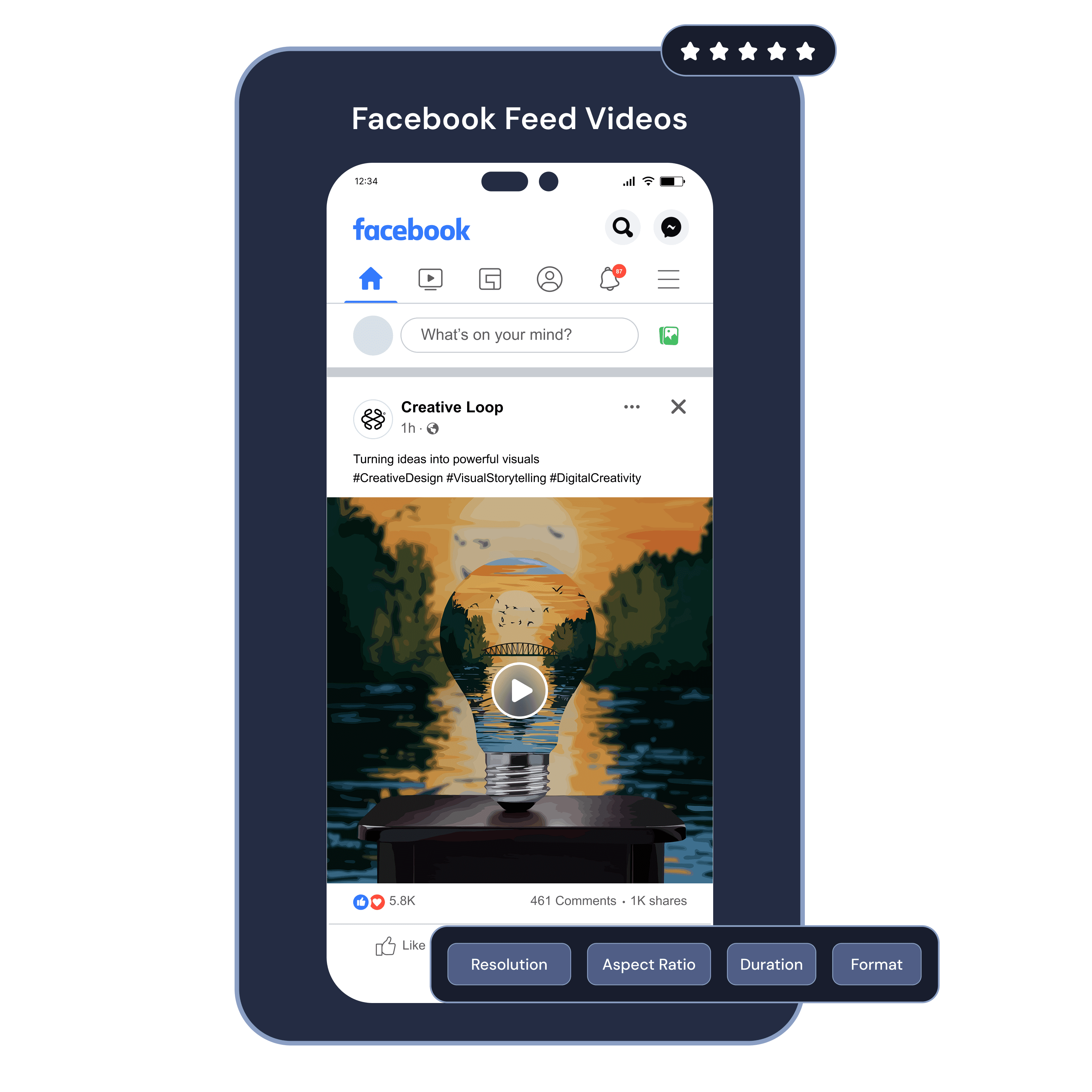
Facebook Feed Videos

ASPECT RATIO
1:1
DURATION
Up to 10 min
FRAME RATE
30fps
Facebook preview

Start Creating AI Videos — Upgrade When You're Ready

FREEFOREVER
$0/ forever
10 credits included
Also Includes
AI Videos (10s)8
Script to Video2 Videos (120s)
AI Images12
Scripts50
  • HD Export (720p)
  • 8 voices
  • All tools
  • All AI models
  • 50+ Languages
  • Image upscale
  • Watermark free
  • Priority queue
  • Advanced features
  • Commercial license
Start for free
STARTERMONTHLY
$23/mo
180 credits included
Also Includes
AI Videos (10s)10
Script to Video54 Videos (120s)
AI Images91
Scripts820
  • Full HD (1080p)
  • 50 voices
  • 50+ Languages
  • All AI models
  • Image upscale
  • Watermark free
  • Commercial license
  • Priority queue
  • Advanced features
Select Plan
STARTERYEARLY
$163/yr
2,160 credits included
Also Includes
AI Videos (10s)72
Script to Video388 Videos (120s)
AI Images646
Scripts5820
  • Full HD (1080p)
  • 100+ voices
  • 50+ Languages
  • All tools
  • All AI models
  • Image upscale
  • Watermark free
  • Priority queue
  • Commercial license
  • Advanced features
Select Plan

Everything You Need to Know About movcut.ai

What is movcut.ai?

movcut.ai is an AI powered script to video production platform. It can generate a video with a structured scene-by-scene output, AI-matched media, generated voiceover, automatic captions, and a timeline editor by converting a written script, text prompt, or URL - without the need for a separate video production tool or team.

What is the difference between Scene and Global settings in the editor?

Scene settings only affect one individual scene. Global settings will change all of the project's scenes at once. Inside the timeline editor, you can choose either option for Assets and Audio.

How do I add background music to my video?

In the Audio panel of the timeline editor, look through the stock music library by keyword. Choose any of the tracks that appear in the results. Use it at the scene level to add it to one scene or use it at the global level to add it to the entire video. The duration of the track is shown up front.

Can I edit individual scenes after generating the video?

All scenes of a project generated by movcut.ai are independent and can be edited. Change the media, text, timing, text overlay, or sound of any single scene without impacting other scenes or re-creating the video.

Does movcut.ai work on mobile?

Movcut.ai is a web-based application that can be accessed from any device via a modern web browser and internet connection. No software download or installation needed. The full timeline editor is optimized for desktop as well as mobile.

Can I use AI-generated videos commercially?

The commercial license in movcut.ai paid plans can be used for commercial videos used for commercial purposes like ads, client deliverables, and monetized channels. Check the details of the plan terms on the pricing page to verify the commercial rights for your plan.

Is my content secure on movcut.ai?

Any uploads to movcut.ai (projects or media files) are kept in your private account and are not accessible to other users. User-made videos will not be shared with third parties and are saved in the user's project library, which can only be accessed via the user's login.

What makes movcut.ai different from other script-to-video tools?

movcut.ai is the first script-to-video tool that offers control over all 4 production layers (media, voiceover, duration, and captions) simultaneously, at the scene level. While the competitors have control over the production settings at the video level, movcut.ai applies them at a scene level, providing the users director-level control for each individual scene.
Start creating AI videos today

Your Script Is Already a Video. You Just Need to Build It.

Thousands of creators, marketers, educators, and businesses use movcut.ai to generate informative and professional videos directly from a script, without hiring a production team, switching tools, or starting from scratch.

No credit card required · Free plan forever · Cancel anytime